For patients
Share your records with a new doctor, with one link.
You can share records from the Flexpa app with a new doctor using a passcode-protected SMART Health Link or QR code. Ask the office whether it can use this format before sending it. Sharing a link does not guarantee that the office will import the records or waive its intake forms.
Updated 2026-11-11
How it works
- Connectauthorize record sources
- Reviewcheck available records
- Sharelink or QR code
- Passcodegive it to your doctor
How it works
Steps
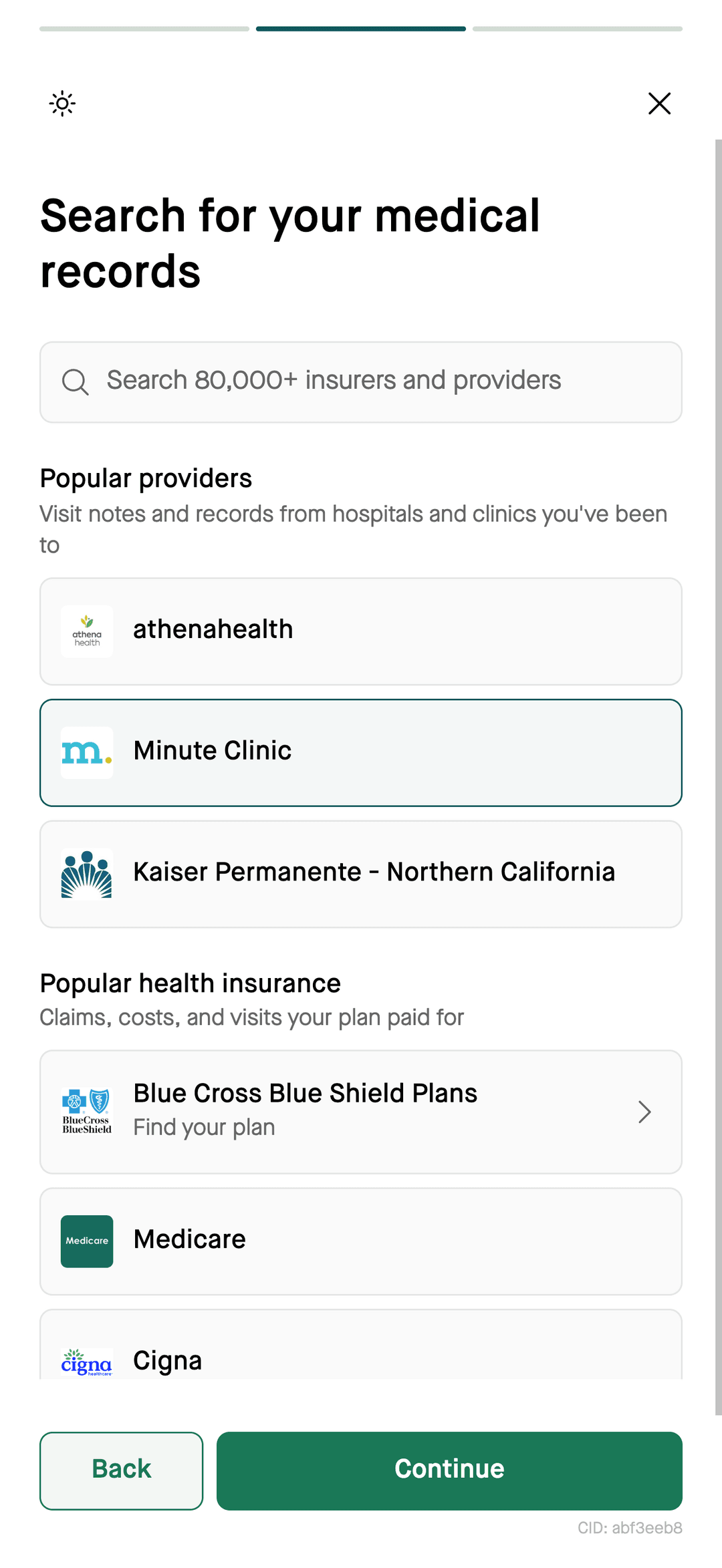
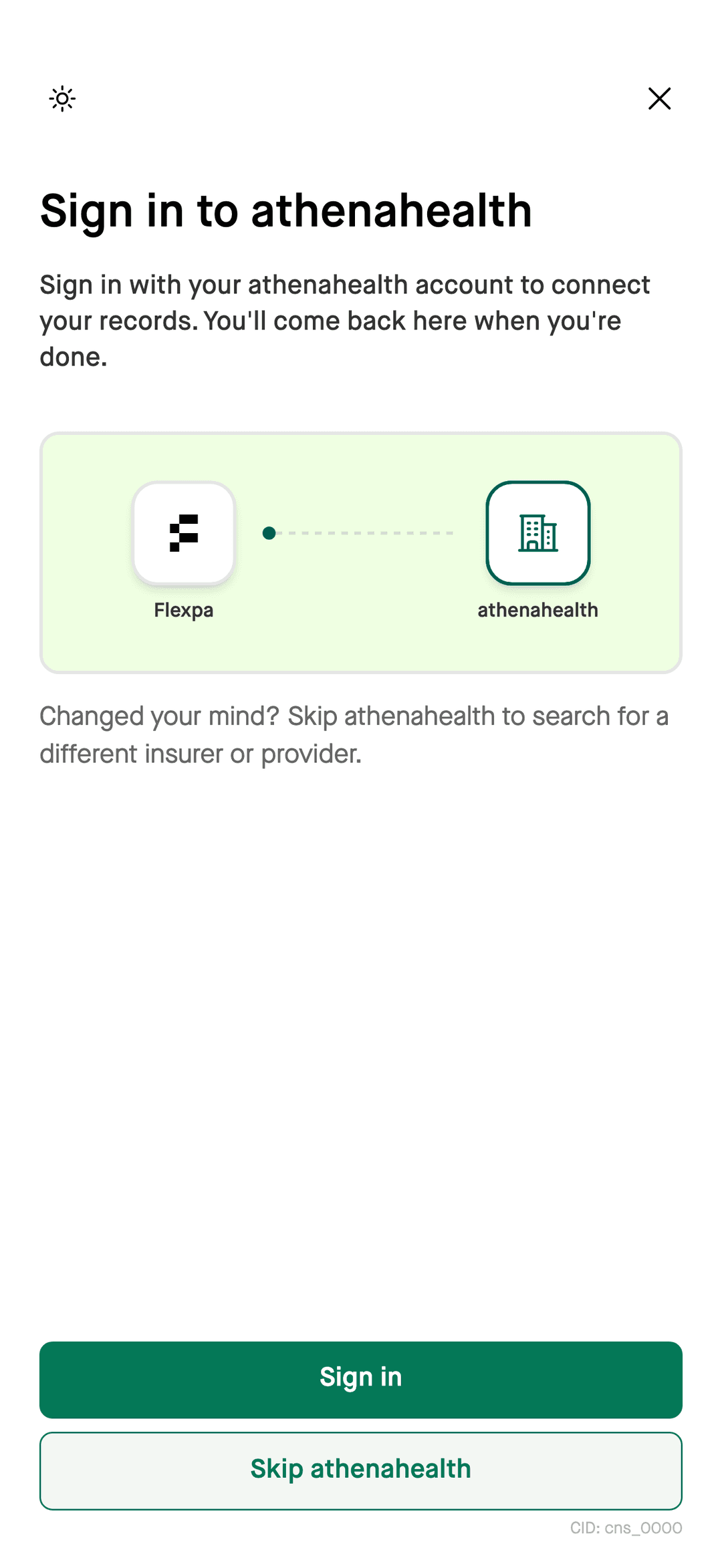
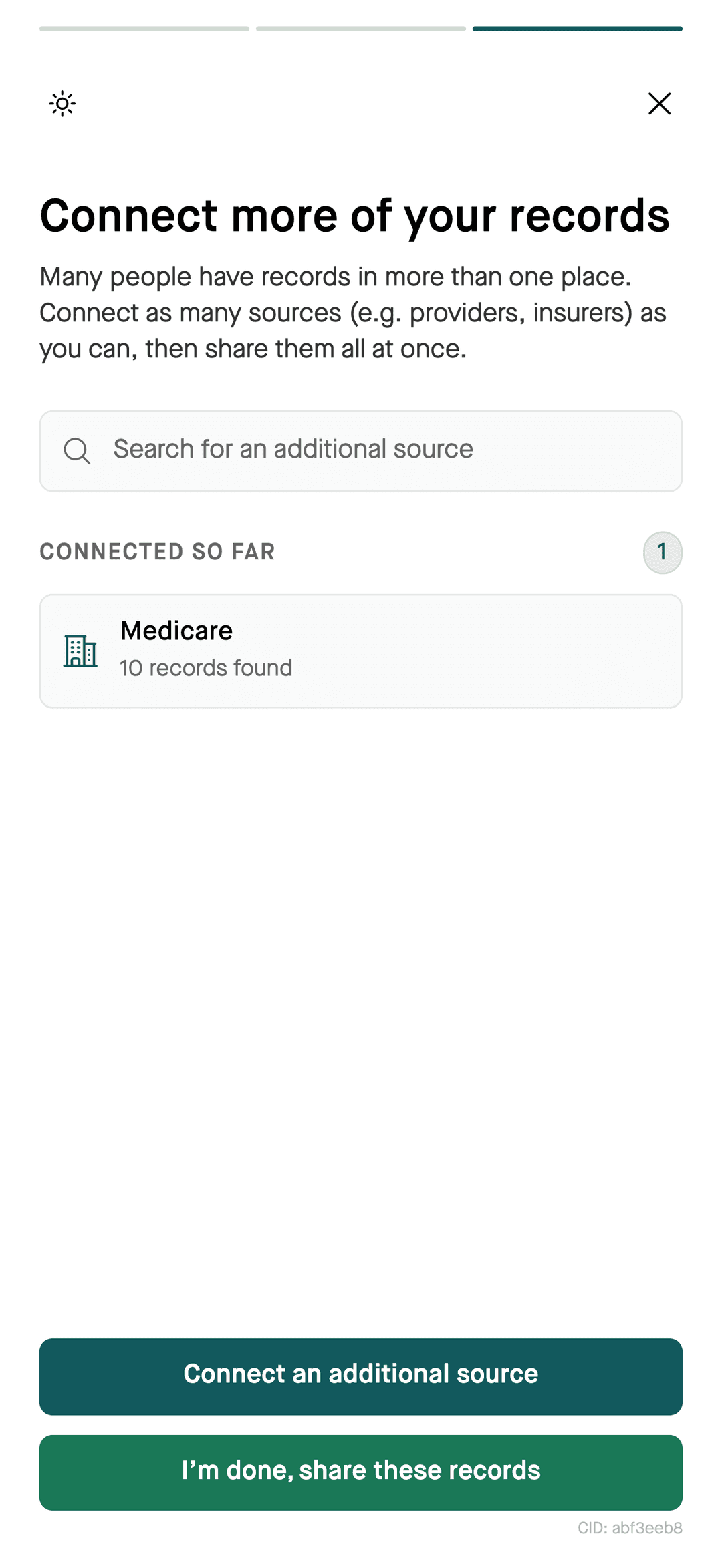
- 1Connect supported sources in the Flexpa app and review the records returned.
- 2Create a SMART Health Link to share, protected by a passcode.
- 3Give your doctor the link or QR code, and tell them the passcode separately.
What a SMART Health Link is
A SMART Health Link is a standards-based way to share health information through a link or QR code. Flexpa's patient app uses passcode protection. Share both the link and passcode only with your intended recipient.
Questions
How do I share my medical records with a new doctor?
Connect supported sources in the Flexpa app, review the available records, and create a passcode-protected SMART Health Link or QR code. Ask the doctor's office whether it accepts that format, then share the link and passcode with the intended recipient.
Is the link protected?
The Flexpa patient app uses passcode-protected SMART Health Links. Give the link and passcode only to the intended recipient.
Will sharing a link replace the office's forms?
A Flexpa record-sharing link is not a promise that a doctor's office will waive its intake forms. Ask the office what it needs before your visit.
More
Skip the clipboard. Get the Flexpa app.
Free for patients, in your browser or on iPhone.
Get the Flexpa app