Explainers
Medicare Blue Button, explained.
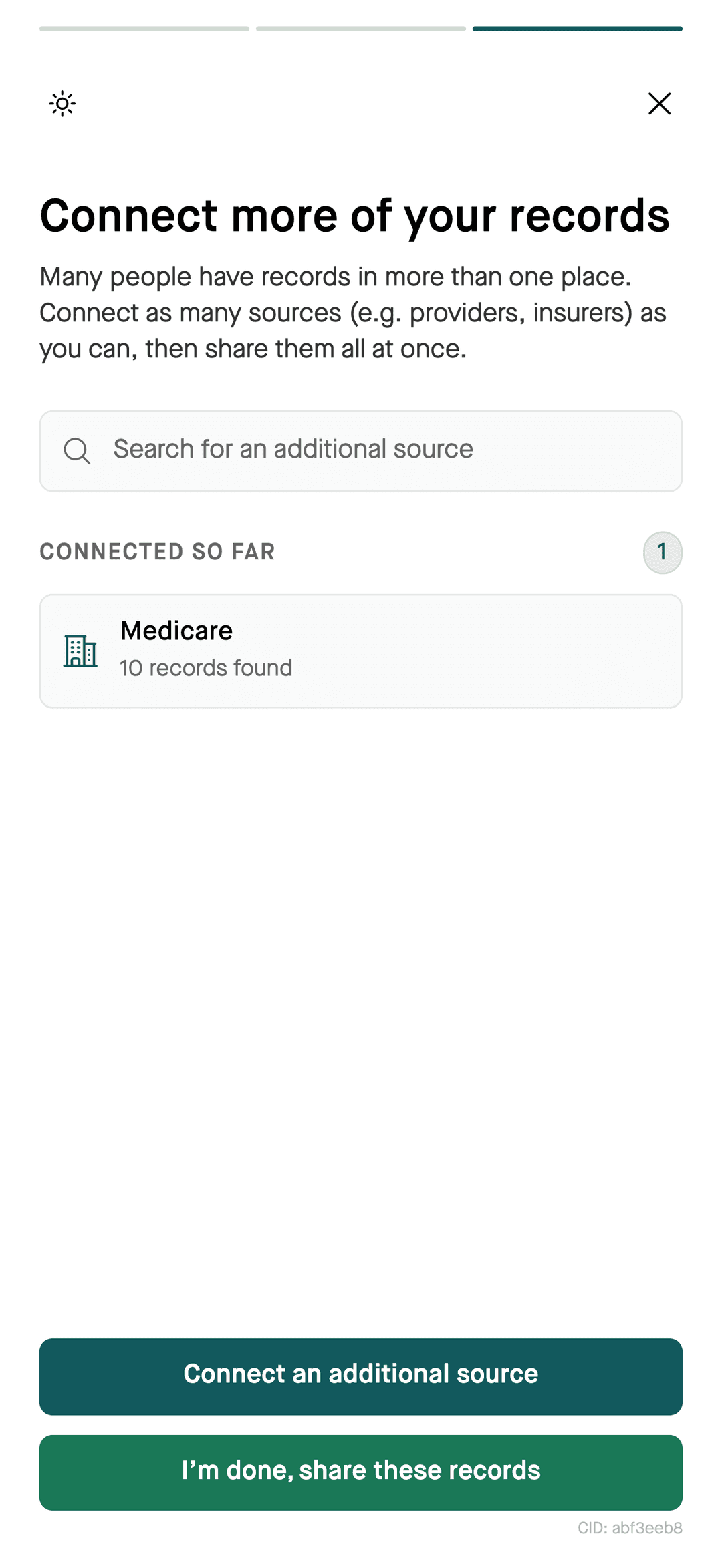
Medicare Blue Button lets people with Medicare share available Part A, Part B, and Part D claims with apps they authorize. Flexpa uses Blue Button 2.0 to connect Medicare records. You approve sharing with your Medicare.gov account. Flexpa is not endorsed or certified by CMS or HHS.
Updated 2026-11-11
How it works
- Medicare.gov sign-in
- Sharing approval
- Available Medicare claims
How to connect
Steps
- 1Search for Medicare in Flexpa.
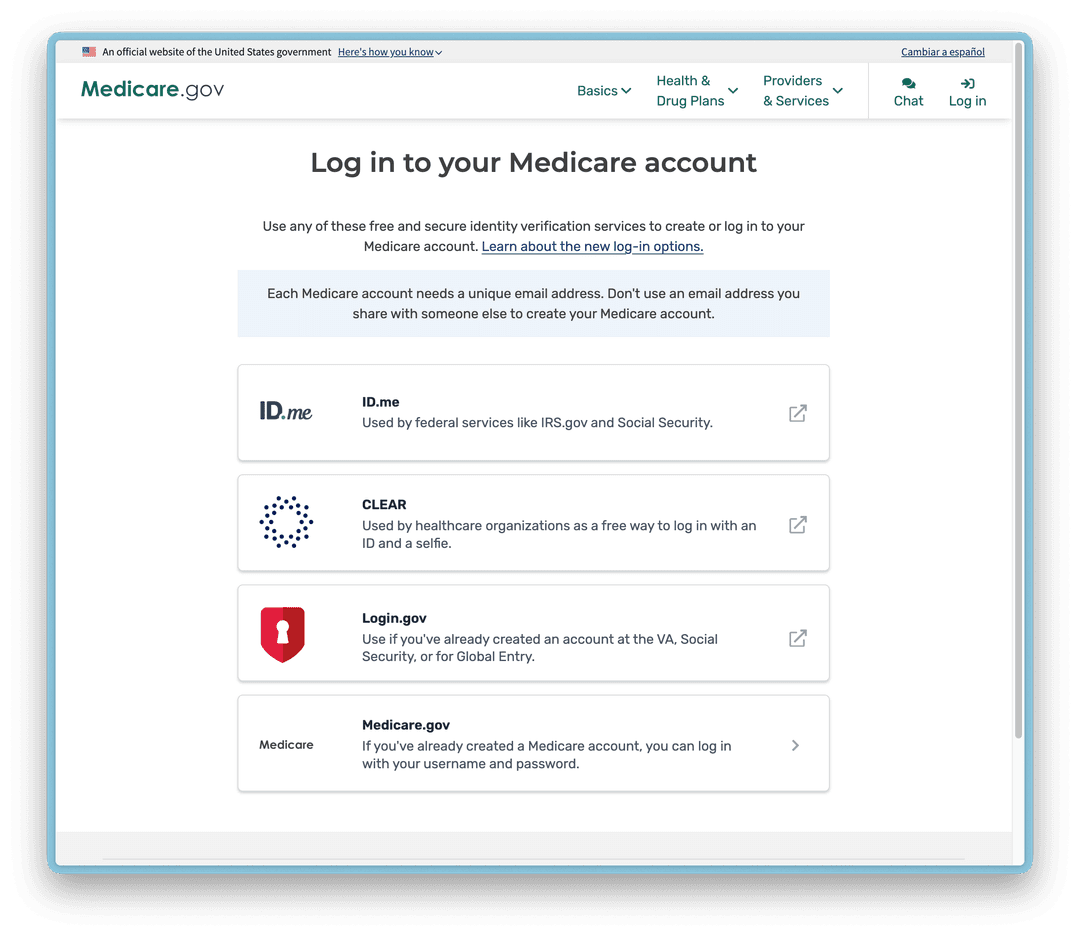
- 2Sign in with your Medicare.gov account.
- 3Approve sharing with Flexpa.
Medicare Advantage is different
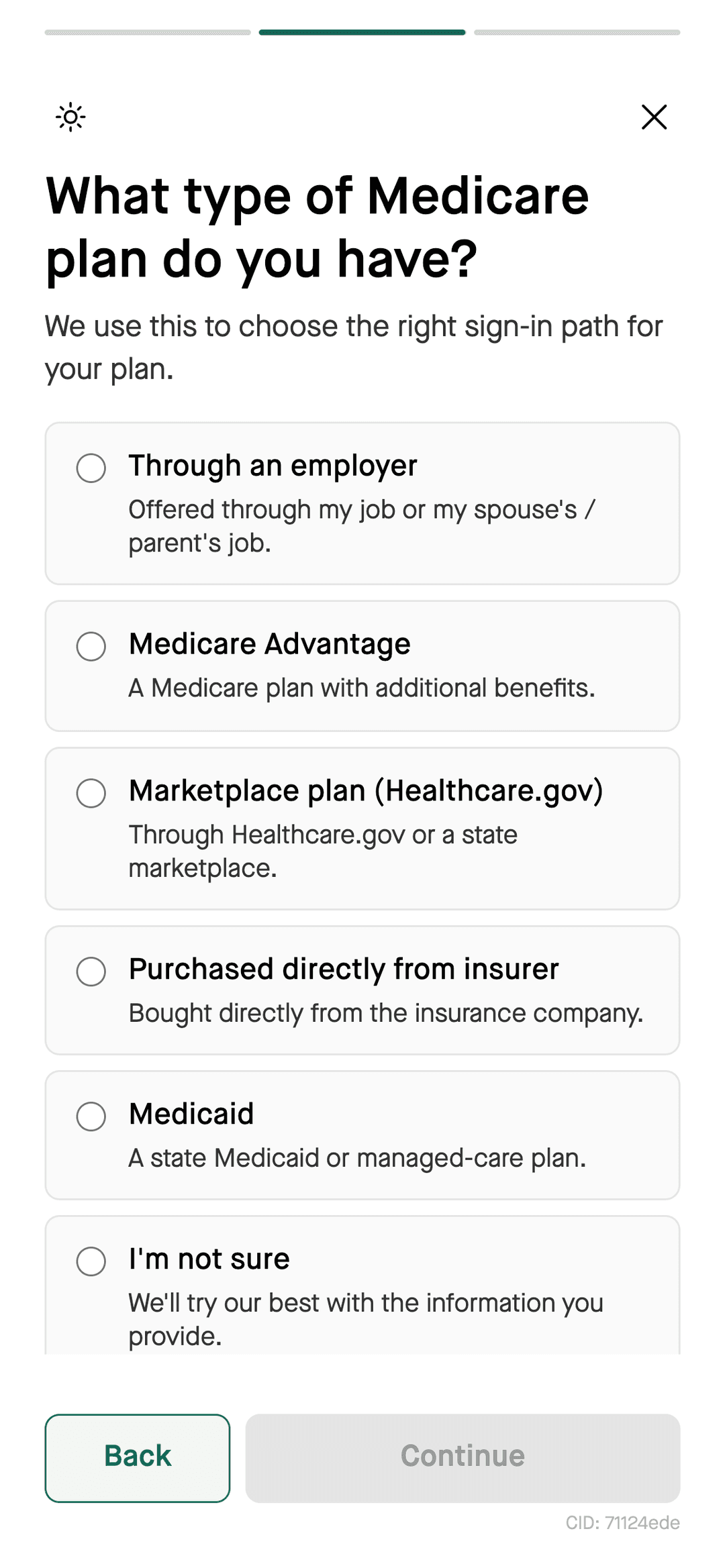
Blue Button does not provide Medicare Part C (Medicare Advantage) claims. It can include Part D claims for Medicare Advantage enrollees. To connect your Medicare Advantage plan through Flexpa, search for the plan by name and check whether your coverage is supported.
Questions
What is Blue Button 2.0?
Medicare Blue Button is an API for sharing available Medicare Part A, Part B, and Part D claims with authorized apps. It does not provide Part C claims.
Do I need a Medicare.gov account?
Yes. To authorize Flexpa to retrieve Medicare records through Blue Button, sign in with your Medicare.gov account and approve sharing.
Is Flexpa endorsed by Medicare?
No. Flexpa uses the Blue Button 2.0 APIs but is not endorsed or certified by CMS or HHS.