For patients
Connect your health records to Claude or ChatGPT.
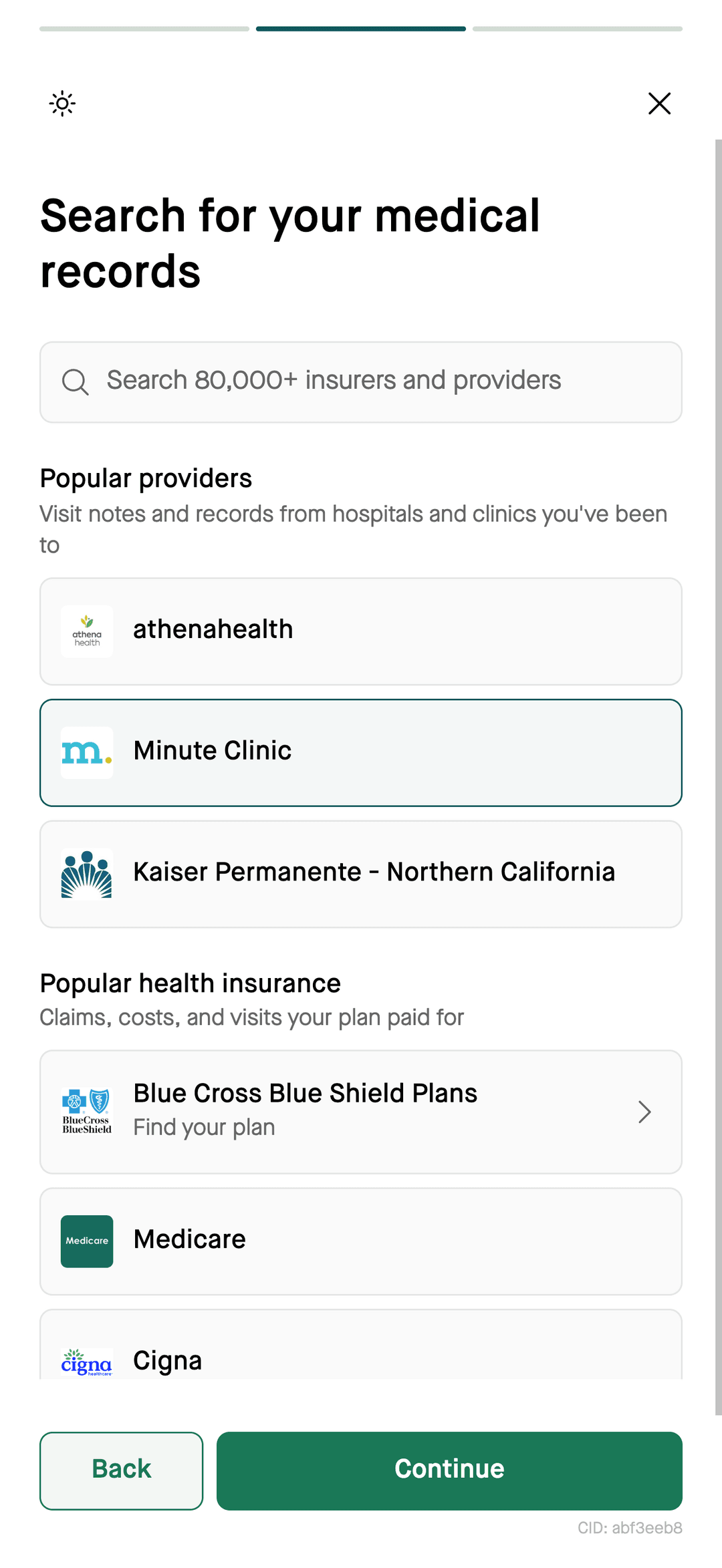
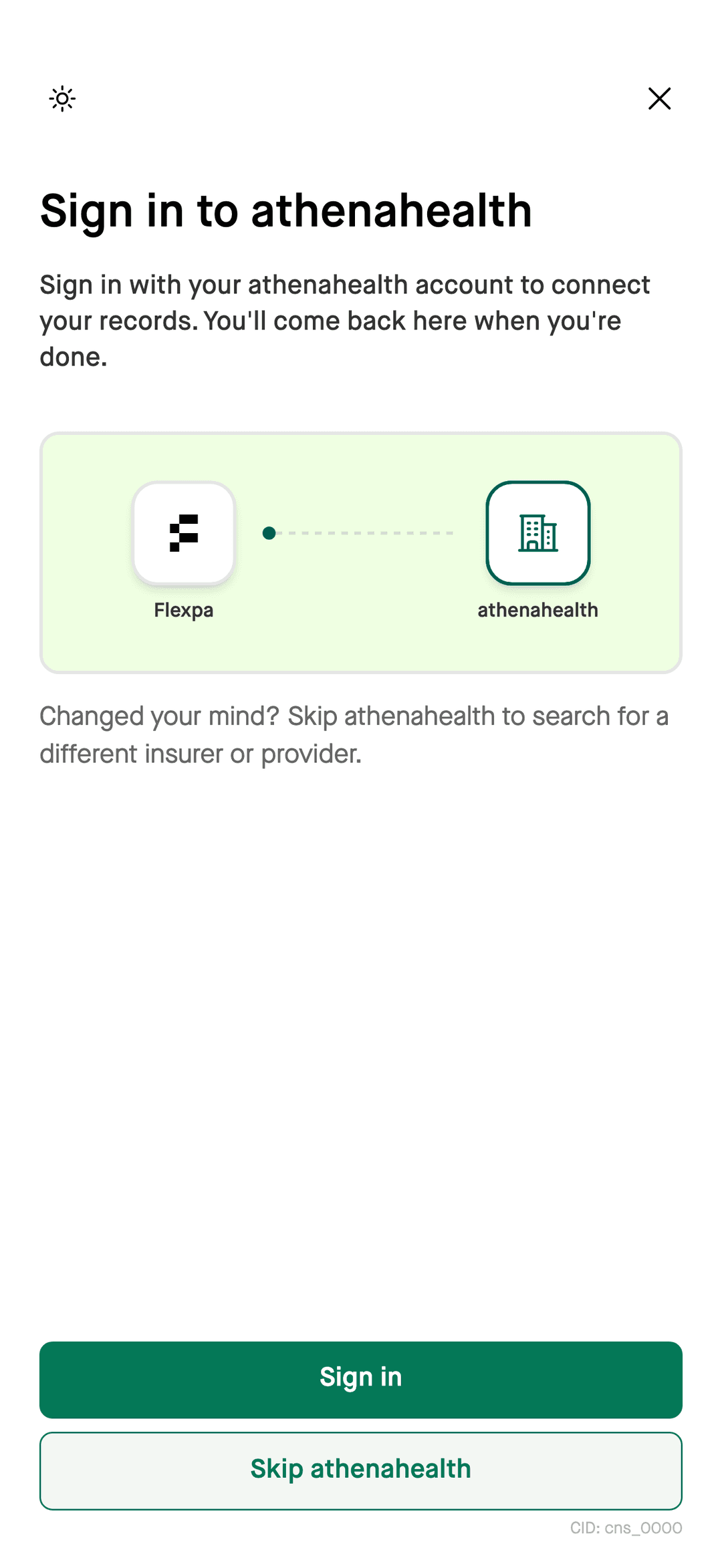
Add Flexpa as a custom connector in Claude or a custom MCP app in a supported ChatGPT account. Then authorize access through Flexpa Consent: sign in to a supported health plan or patient portal, or verify your identity to search the national exchange. Your assistant can query the records returned by the sources you connect.
The connector URL for Claude, ChatGPT, and Claude Code.
Updated 2026-11-11
How it works
- Your assistantadd the Flexpa records connector
- Flexpa Consentsign in or verify your identity
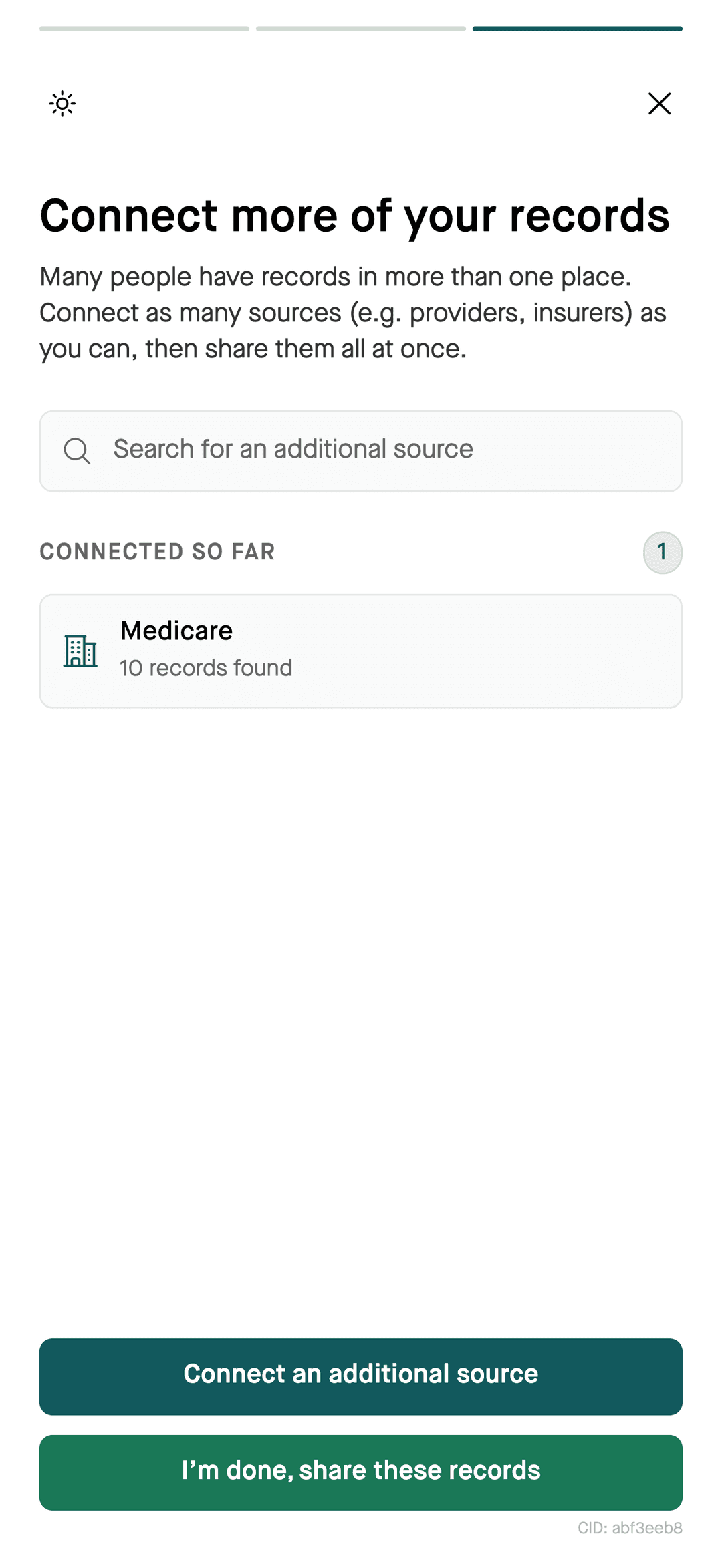
- Available recordsreview and approve sharing
- Your questionsquery the connected records
Where your records come from
Flexpa supports three kinds of sources. The records returned depend on the sources you connect.
- Your health plan
- Available claims, coverage, and pharmacy history from supported insurer connections, including CMS patient access APIs.
- Your doctors and hospitals
- Available clinical records, such as labs, medications, notes, and visits, from supported patient portals through standardized APIs.
- The national exchange
- Records from facilities you may have forgotten about, found through TEFCA Individual Access Services after IAL2 identity verification.
Set it up
Claude (claude.ai and Claude Desktop)
- 1In Claude, go to Settings, then Custom Connectors.
- 2Click Add custom connector and name it Flexpa.
- 3Enter the server URL: https://api.flexpa.com/mcp/consent
- 4Click Connect. Claude sends you to Flexpa.
- 5Sign in to a supported health plan or patient portal, or verify your identity to search the national exchange. Review the connected sources and approve sharing.
On a Claude Team or Enterprise plan, ask your admin to add the connector.
ChatGPT
- 1Check that your ChatGPT account supports custom MCP apps and that you have permission to add one.
- 2Use ChatGPT's custom app setup to add a remote MCP server named Flexpa.
- 3Enter the URL: https://api.flexpa.com/mcp/consent
- 4Complete the Flexpa Consent authorization to connect supported sources and approve sharing.
- 5Select Flexpa for your conversation and ask about the connected records.
Custom app availability and setup depend on your ChatGPT account and workspace permissions. Do not share personal medical records through a workspace without reviewing its access and privacy policies.
Claude Code
claude mcp add flexpa --transport http https://api.flexpa.com/mcp/consentClaude Code opens the Flexpa sign-in when it connects.
What you can ask
- “What are my recent claims?”
- “Show me my insurance card”
- “Summarize my health records”
- “What medications appear in my connected records?”
- “Show me my recent lab results”
- “Which vaccinations appear in my connected records?”
- “Who is on my care team?”
Questions
How do I give Claude access to my health records?
Add Flexpa as a custom connector in Claude using https://api.flexpa.com/mcp/consent. Authorize through Flexpa Consent by signing in to a supported health plan or portal, or verifying your identity to search the national exchange. Claude can query records from the sources you connect and approve.
How do I connect my medical records to ChatGPT?
If your ChatGPT account supports custom MCP apps, add Flexpa using https://api.flexpa.com/mcp/consent and complete the Flexpa Consent authorization. Select Flexpa in your conversation to query connected records. Availability depends on your account and workspace permissions.
Can I connect my MyChart records to an AI chatbot?
Yes. Flexpa connects to patient portals such as Epic MyChart, including custom-branded versions used by many hospitals and clinics. You sign in to the portal yourself during the Flexpa flow, then your assistant can read the records you approved.
Can an AI assistant read my health insurance claims?
An assistant connected through Flexpa can query claims and coverage returned by a supported health plan after you authorize access. Search for your plan in Flexpa to check availability. A plan's support for a patient access API does not guarantee that every plan type or record is available through Flexpa.
Can I gather records from several hospitals in one place?
Yes. One Flexpa connection can include several sources: health plans, individual patient portals, and the national exchange (TEFCA), which searches across many facilities after you verify your identity. Your assistant sees them together.
Is it safe to share my medical records with an AI assistant?
Review both Flexpa's and your assistant provider's privacy policies before sharing medical records. Flexpa Consent lets you authorize connected sources, and you can request revocation through privacy.flexpa.com. Revocation does not remove copies already received by another app. A personal account does not by itself guarantee privacy.
More
Prefer an app? Try Flexpa for patients.
See your claims, labs, medications, and visits in one place, and share them with a SMART Health Link.
Get the Flexpa app