For patients
Search for records from places you may have forgotten.
You can search for records without remembering every facility's name by verifying your identity through Flexpa. Flexpa then searches participating facilities through the national exchange (TEFCA) for matching records. Results depend on participation and identity matching; some facilities require an additional portal sign-in.
Updated 2026-11-11
How it works
- Youchoose identity verification
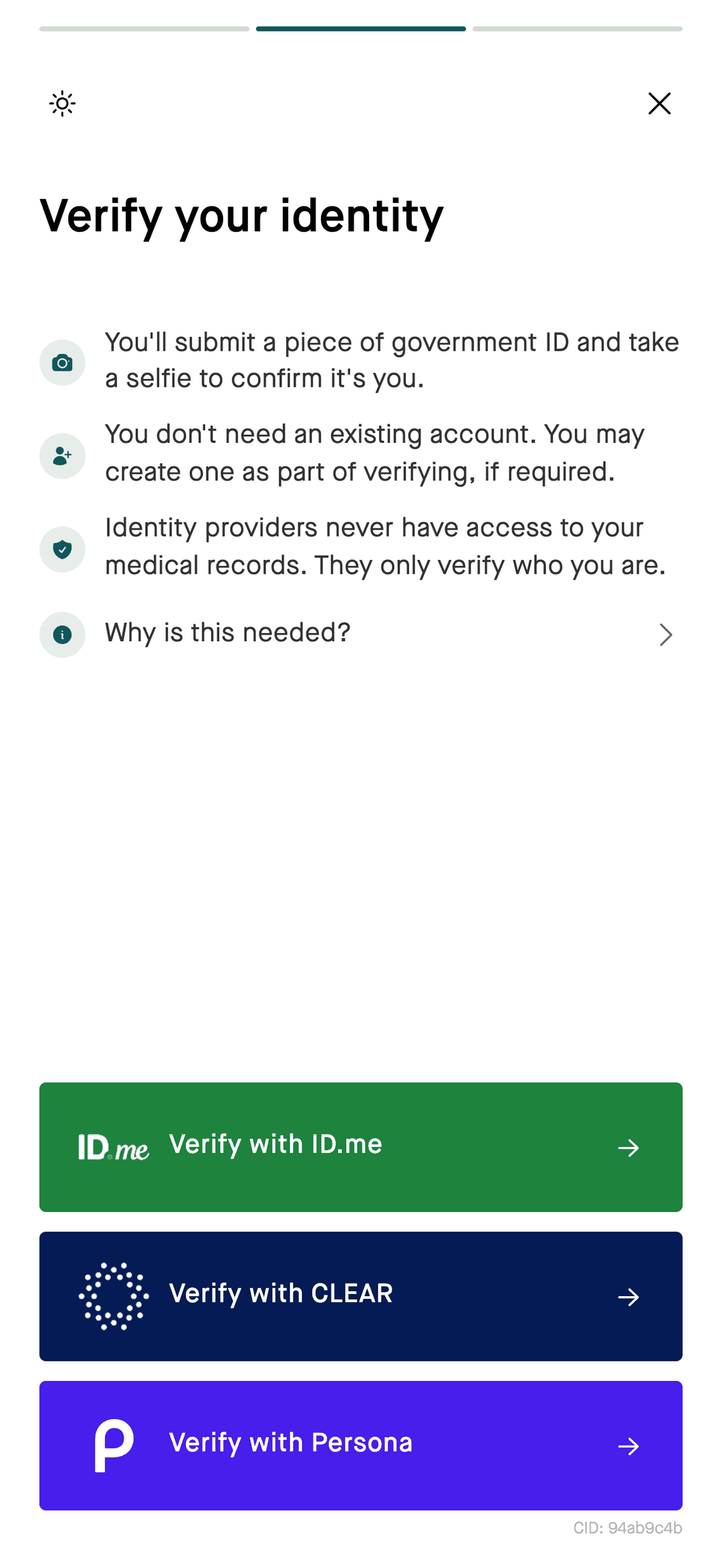
- VerificationID and selfie
- National exchangeparticipating facilities
- Reviewcheck matching records
What you see
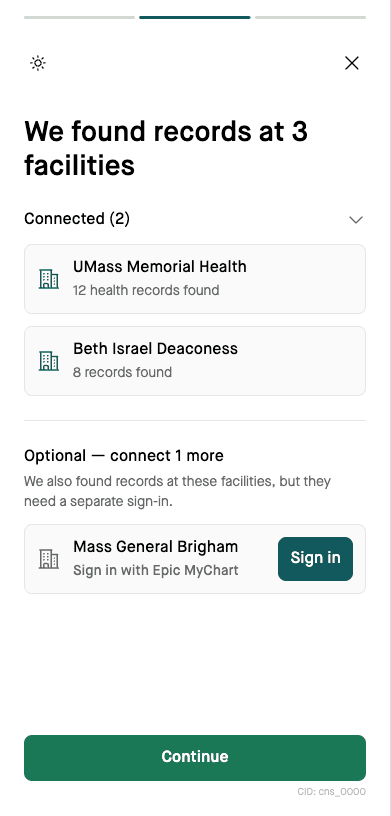
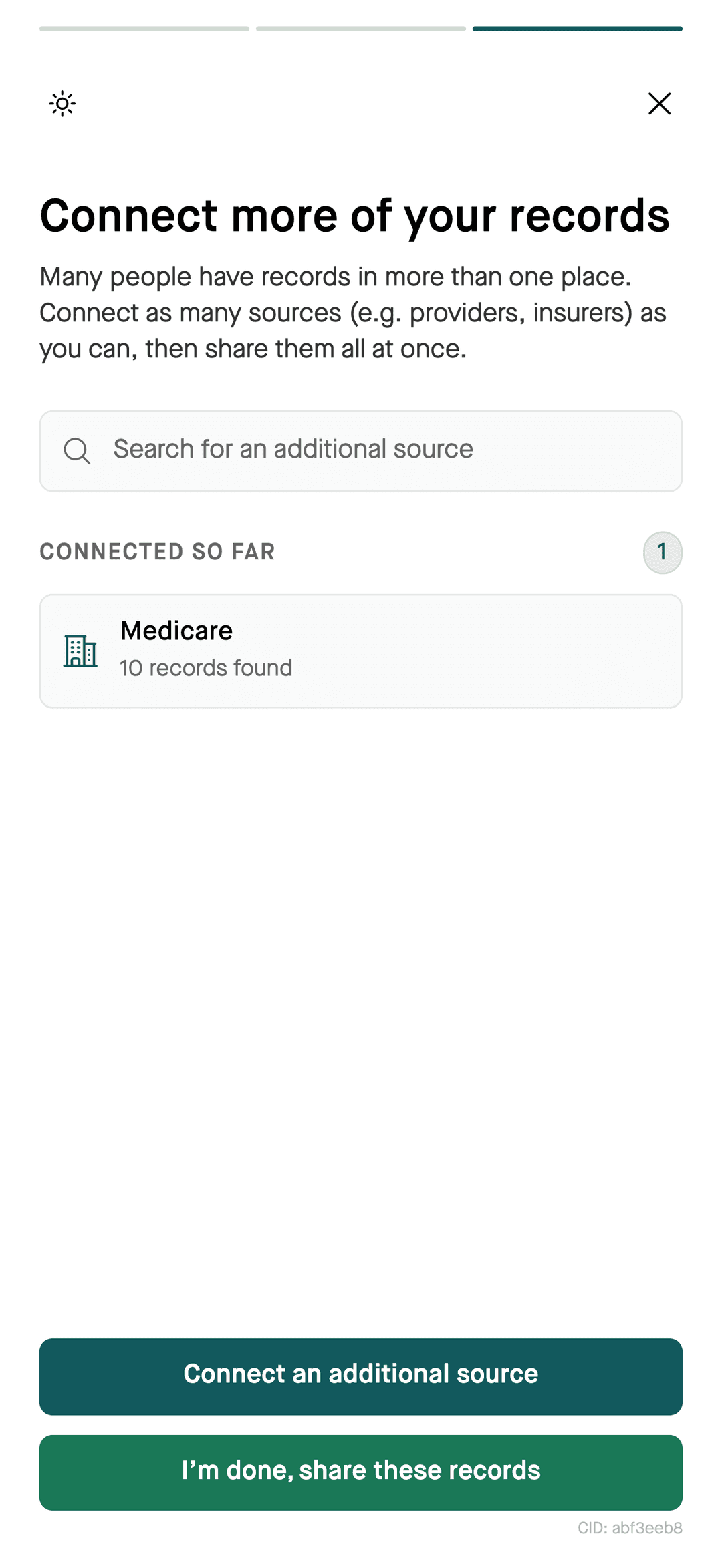
Choose an available identity verification provider: CLEAR, ID.me, or Persona. After verification, review the facilities where matching records were found. Complete any additional portal sign-ins you want to include, then review the records before sharing.
What you need
- A government-issued photo ID, such as a driver's license or passport.
- A phone or computer with a camera for a selfie check.
- An email address and phone number.
Questions
How do I find medical records from hospitals I don't remember?
Verify your identity once and search the national exchange (TEFCA). Flexpa checks participating facilities for records that match your verified identity.
Why do I see facilities I don't recognize?
A Flexpa search may return a lab that processed your tests or a facility you visited in the past. Check the records before sharing them. If the details appear wrong, contact Flexpa patient support or the facility rather than assuming every match is correct.
What if nothing is found?
A Flexpa exchange search can return no records if the facility does not participate or its patient details do not match your verified identity. Try searching for the provider by name in Flexpa and connecting its portal instead.
More
Start the search. Get the Flexpa app.
Free for patients, in your browser or on iPhone.
Get the Flexpa app