For patients
Your health records, brought together.
Use the Flexpa app to bring records from supported health plans, patient portals, and the national exchange (TEFCA) into one view. The records you see depend on what each connected source returns. A successful connection does not mean your entire medical history is available.
Updated 2026-11-11
How it works
- Choose a routeplan, portal, or exchange
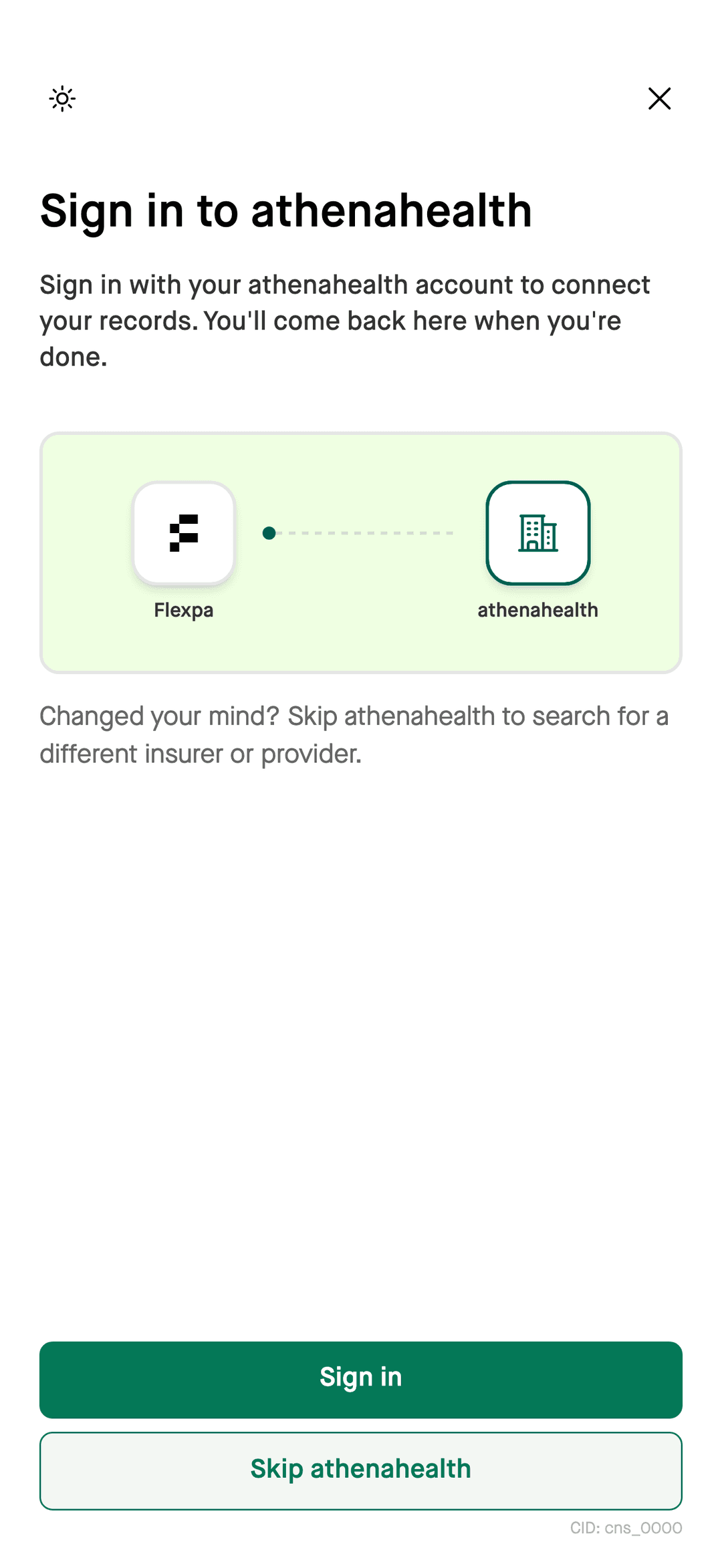
- Authorizesign in or verify identity
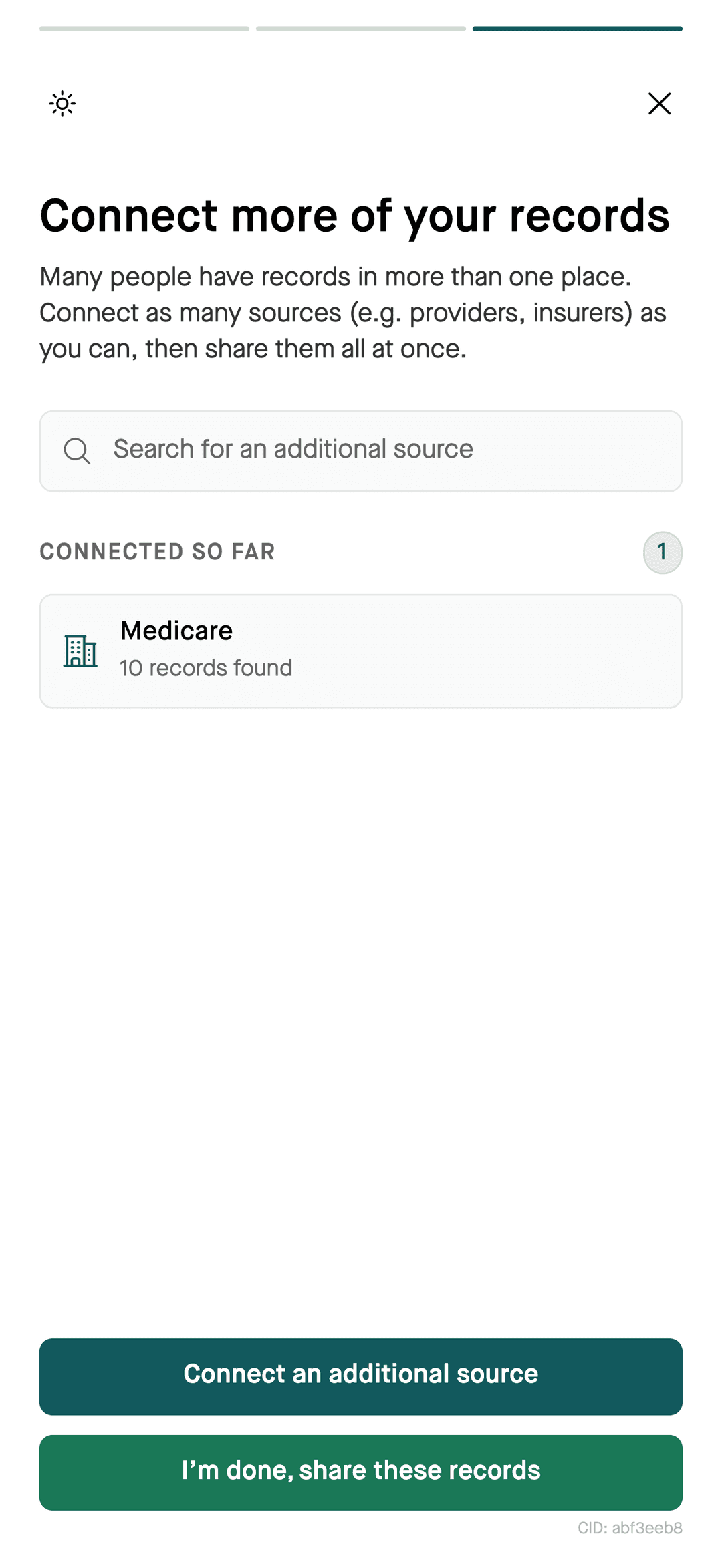
- Reviewcheck records found
- Viewin the Flexpa app
What you see
- Clinical records
- Available medications, allergies, conditions, lab results, immunizations, procedures, and visits.
- Insurance
- Available coverage, insurance card details, and claims.
- Connected sources
- Records returned by your connected health plans, patient portals, and the national exchange.
Where your records come from
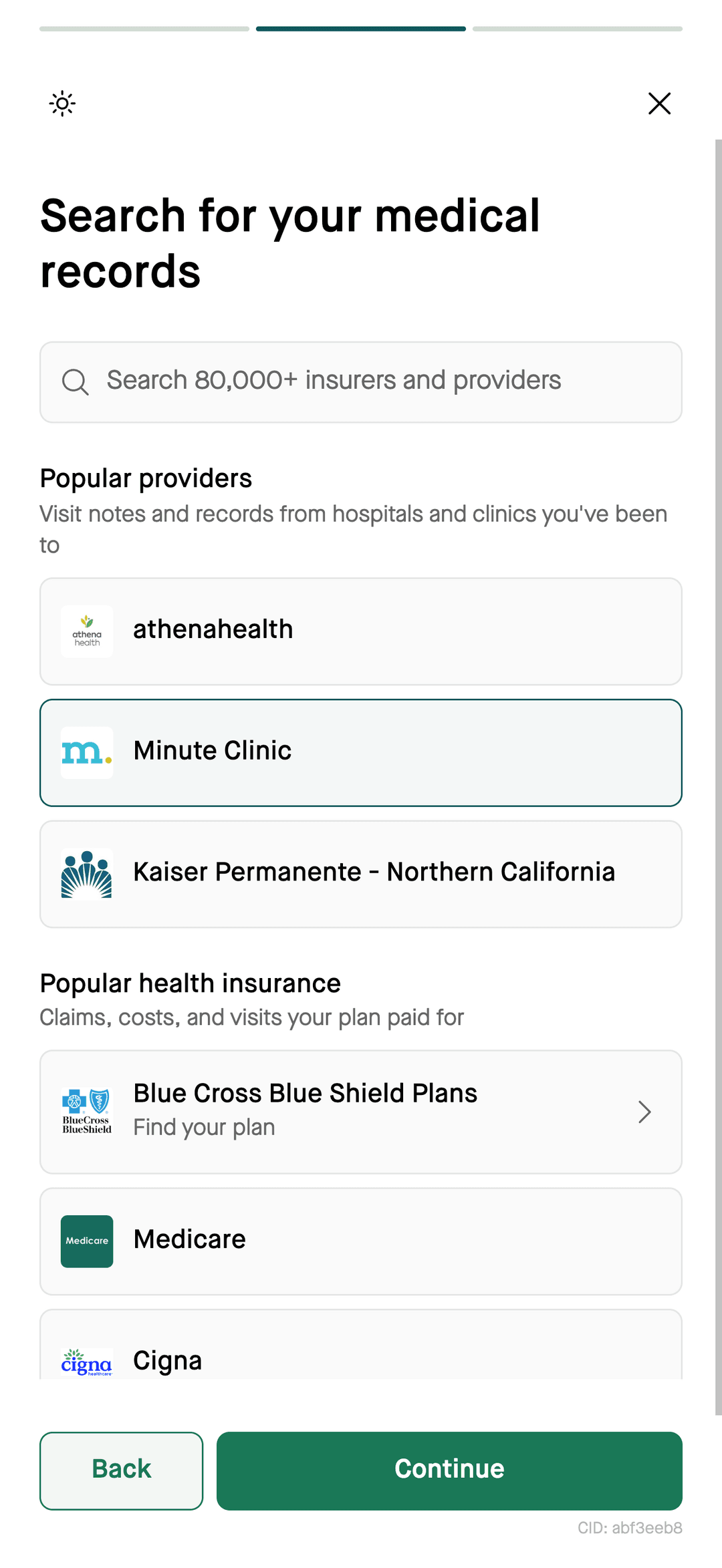
- Supported health plans, using the connection available for your plan.
- Supported doctors and hospitals, through their patient portals.
- The national exchange (TEFCA), which searches participating facilities after you verify your identity with CLEAR, ID.me, or Persona.
Get started
Steps
- 1Open my.flexpa.com in your browser, or get the Flexpa app on the App Store for iPhone.
- 2Connect your health plan, your patient portals, or verify your identity to search the national exchange.
- 3Review what was found. Add other supported sources before finishing the connection flow.
Questions
How can I bring my health records together?
Connect supported health plans, patient portals, or the national exchange through the Flexpa app. Flexpa displays the records those sources return, which may not include your entire history.
Where can I use the Flexpa app?
The Flexpa app is available in a browser at my.flexpa.com and on iPhone.
Can I use my records with AI too?
Flexpa supports connecting an AI assistant to your records. Add the patient-records connection using Flexpa's setup guide and complete the consent flow; installing the app alone does not authorize an assistant.
Is the Flexpa app free?
Yes. Flexpa is free for patients.
More
Bring it all together. Get the Flexpa app.
Free for patients, in your browser or on iPhone.
Get the Flexpa app