Claims and billing
Choose your next plan from the care you actually used.
Use your claims to prepare a health plan comparison: list the providers, prescription fills, and services in your available history, then compare them with the plan options you supply. Flexpa can share authorized claims from a supported plan with your assistant. Use the summary as a starting point, not a prediction of next year's costs.
Updated 2026-11-11
How it works
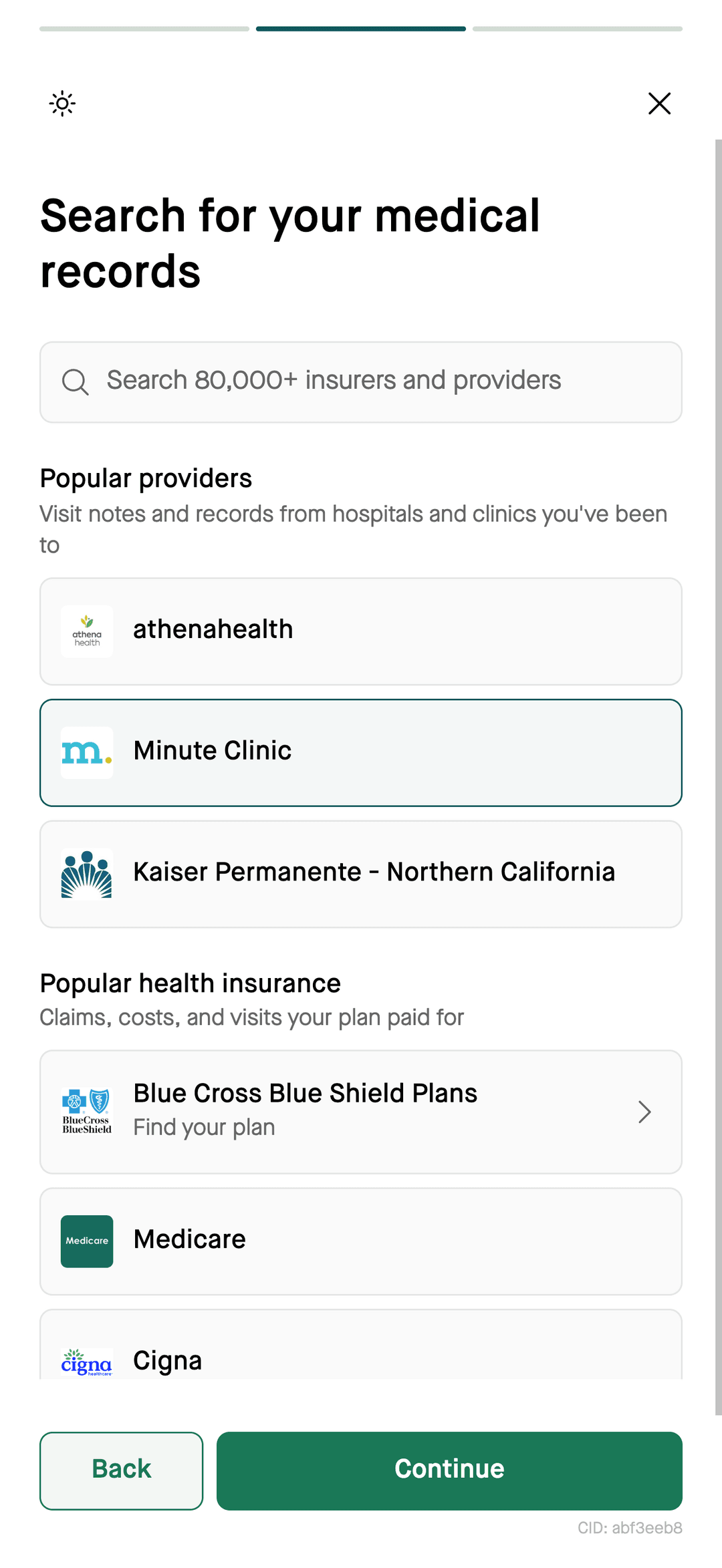
- Choose a sourcecheck support
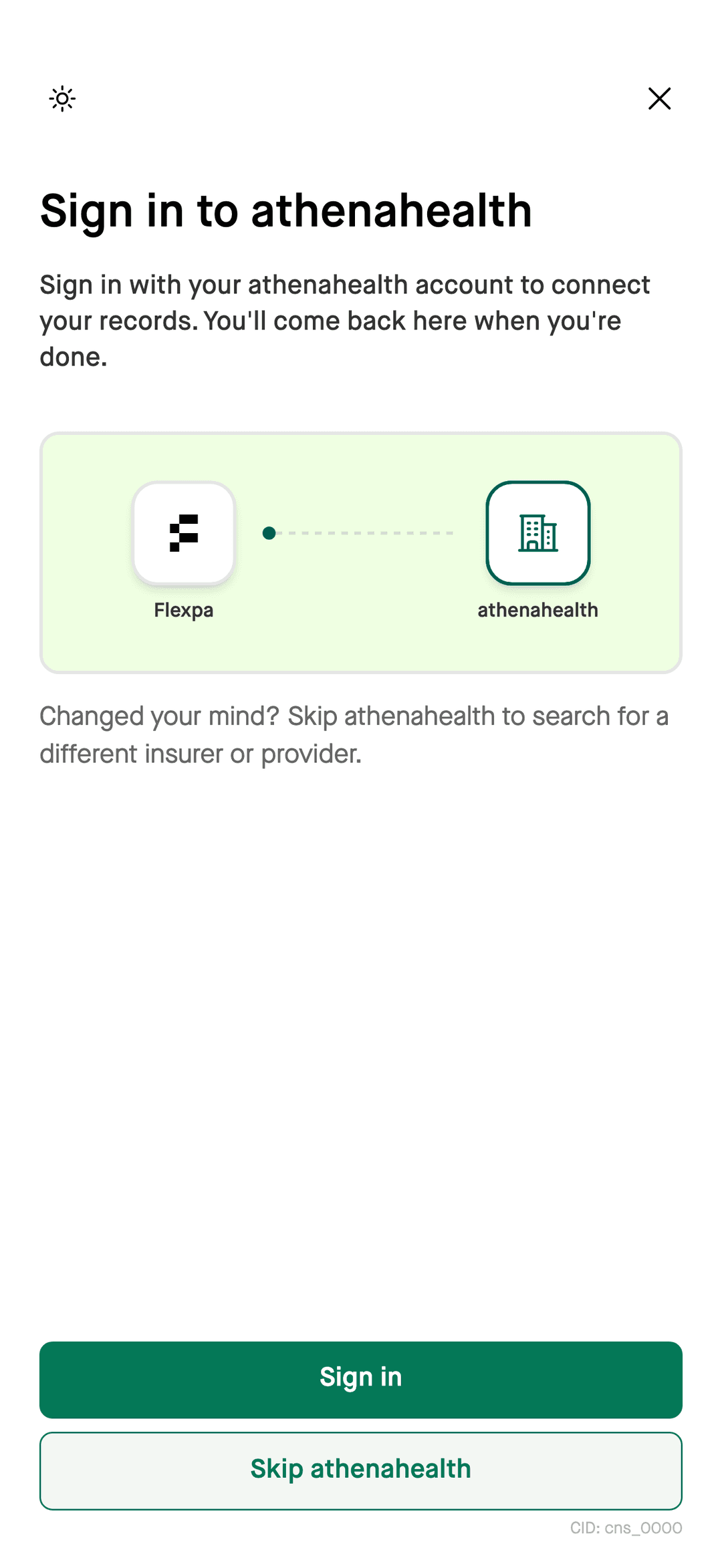
- Authorize accessthrough Flexpa
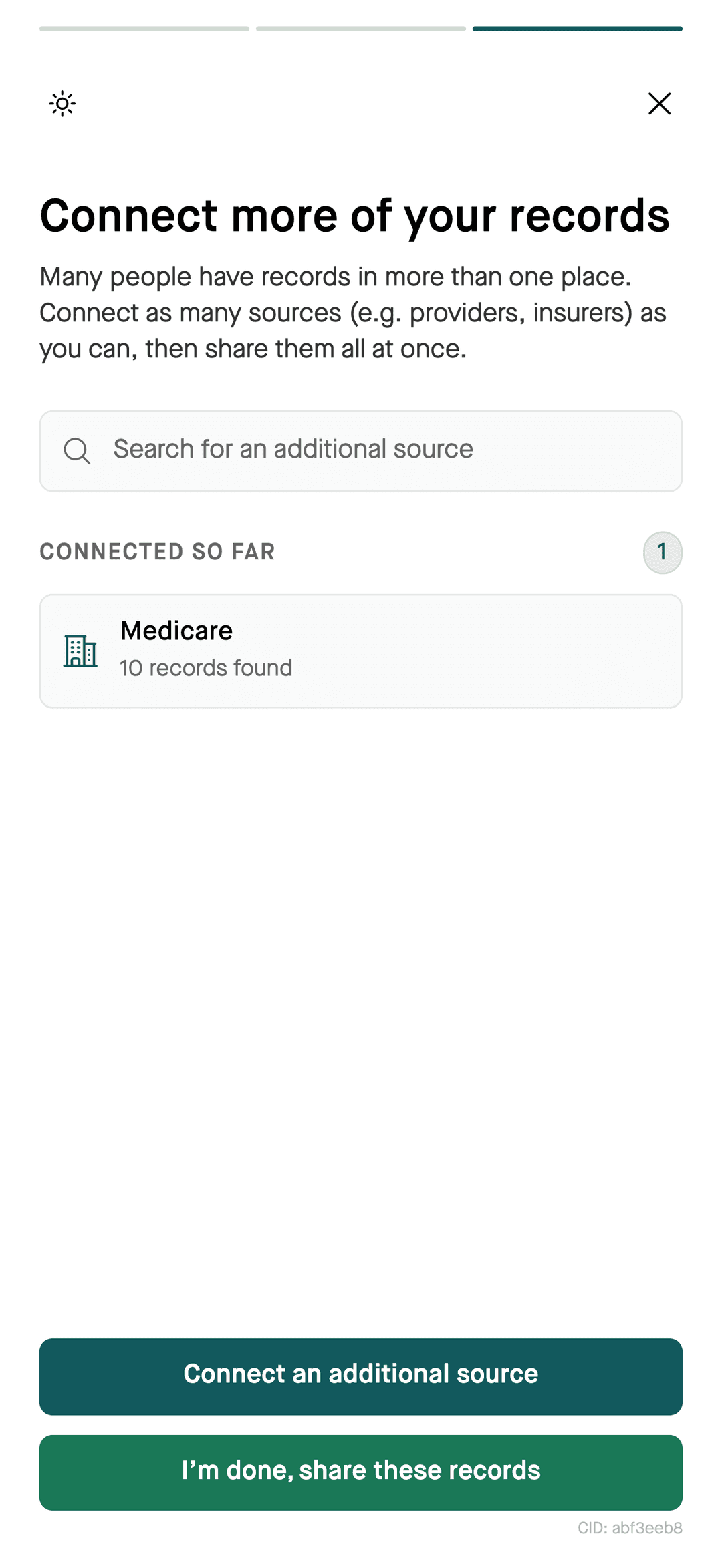
- Available recordsfor your assistant
- Compare optionsconfirm plan terms
What to pull from your claims
- The doctors and facilities you used, to check against each plan's network.
- The prescriptions you filled, to check against each plan's drug list.
- The visits and services in your available claims, with reported patient responsibility kept separate from confirmed payments.
How to compare
Steps
- 1Follow the Flexpa setup guide for your compatible assistant and connect a supported current plan.
- 2Ask for a summary of available claims from last year, with providers, prescription fills, and reported cost-sharing.
- 3Provide the current benefit documents, premiums, provider directories, and drug lists for the plans you are considering.
- 4Ask for a side-by-side checklist of differences and missing information. Confirm current networks and drug coverage with each plan.
Keep the comparison limited to its inputs
Ask your assistant to identify missing claims and plan details. Treat any cost comparison as a scenario based on the records and assumptions shown, not a promise about future spending.
What you can ask
- “Summarize my care and costs from last year for open enrollment”
- “Which doctors did I see most often?”
- “Compare these plan documents against my claims history and list what I need to confirm”
Questions
Can AI help me compare health plans?
AI can organize your available claims history and compare it with plan documents you supply. Use Flexpa to share authorized records from a supported plan, then confirm coverage details directly with each prospective plan.
What data should I use to compare health plans?
Start with available medical and pharmacy claims, then supply the current benefit documents, premiums, provider directories, and drug lists for each plan. Keep past patient responsibility separate from any estimate of future costs.
Will my claims predict next year's costs?
Treat a claims-based comparison as a scenario, not a forecast. Ask the assistant to state assumptions and missing information, and confirm the plan terms before choosing coverage.
More
Bring your history to open enrollment. Connect your assistant.
Setup for Claude, ChatGPT, and Claude Code takes a few minutes.
Connect your records