Insurers
Your Security Health Plan claims, in your AI assistant.
Flexpa connects supported Security Health Plan plans to Claude or ChatGPT, so your assistant can read your Security Health Plan claims and coverage after you approve access. Flexpa's directory lists Medicare Advantage, Medicaid, marketplace plans, ACA-compliant individual plans bought directly from the insurer, and employer plans for this connection. Search for the exact plan on your insurance card and approve access in Flexpa Consent.
Updated 2026-11-26
How it works
- You
- Claude or ChatGPT
- Flexpayou approve
- Security Health Planclaims and coverage
Using Flexpa with Claude and ChatGPT
- Flexpa in Claude: setup for every Claude app
- Flexpa in Claude’s connector directory
- Flexpa in the Claude connector marketplace (claude.com)
- Connect your health records to Claude or ChatGPT
- Connect your medical records to ChatGPT
- Sharing medical records with AI safely
- Flexpa is now in the Claude connector directory (blog)
Which plan categories Flexpa lists for Security Health Plan
Checked against Flexpa's live Endpoint Directory on November 26, 2026. These are connection categories, not a list of every policy the insurer sells or a guarantee that every member can connect. Match your exact plan and state in Flexpa.
| Plan type | Listed in Flexpa |
|---|---|
| Medicare Advantage | Listed |
| Medicaid | Listed |
| CHIP | Not listed |
| Marketplace plans (HealthCare.gov or a state exchange) | Listed |
| ACA-compliant individual plans bought directly from the insurer | Listed |
| Employer plans | Listed |
How sign-in works
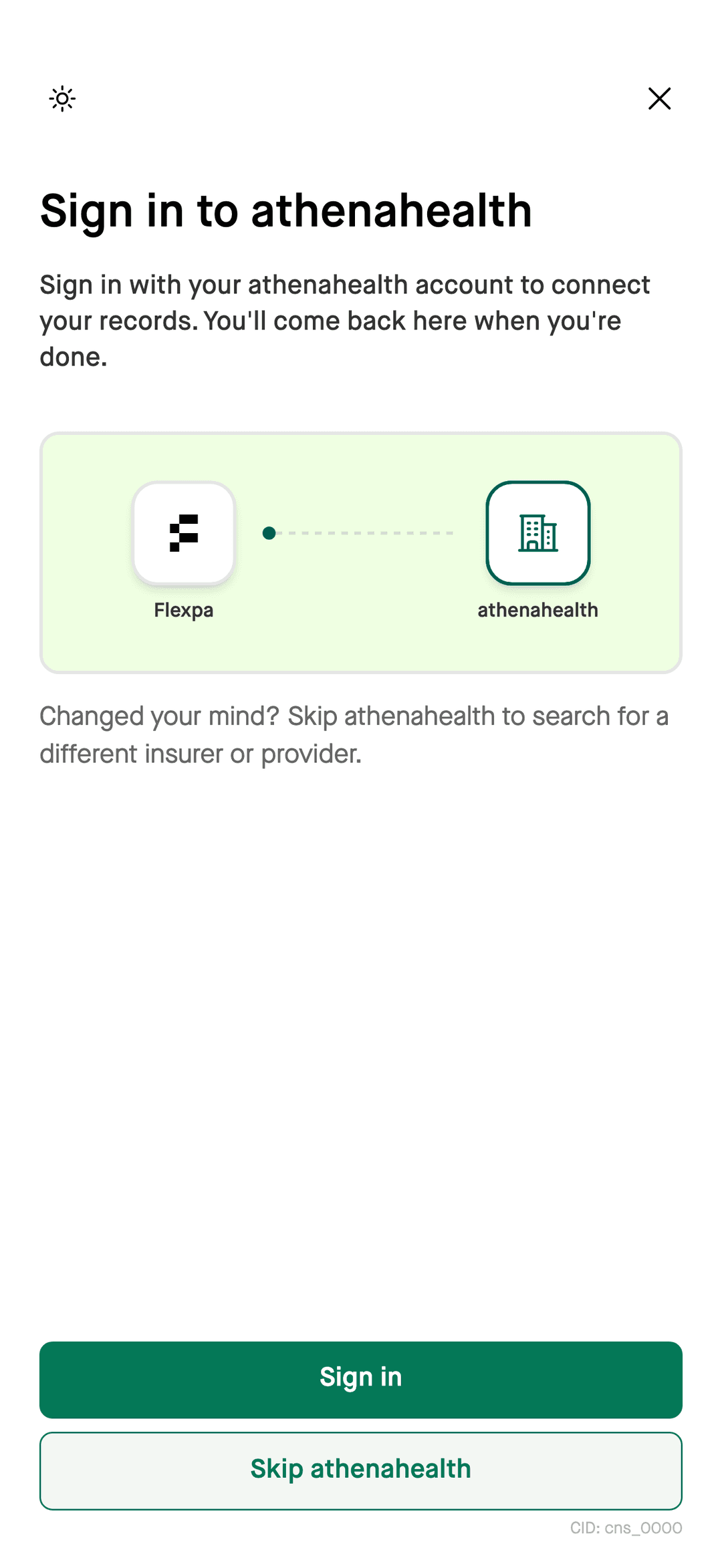
Flexpa directs you to the sign-in page used by Security Health Plan. It may be operated by the plan's login service rather than look like its usual member portal. Sign in there and review the request to share information with Flexpa. Do not put your password or a verification code in the AI chat.
If you do not have the account needed for Security Health Plan sign-in, follow the registration instructions on the plan's website. Use Flexpa's troubleshooting guide for plan-specific requirements.
Flexpa's directory marks this connection as refreshable, so an approved connection can return newer records without starting over, for as long as your authorization lasts.
Flexpa's directory does not list former-member access for Security Health Plan, so connect while your coverage is active.
For employer coverage, Flexpa warns that connecting as the subscriber or a subscriber delegate shares information for all plan members. Review the consent notice before proceeding.
Set it up
Steps
- 1Add Flexpa to Claude from its connector directory, or to ChatGPT as a custom MCP plugin with the URL https://api.flexpa.com/mcp/consent where your ChatGPT plan and workspace allow it. The Connect your health records to Claude or ChatGPT guide has the steps.
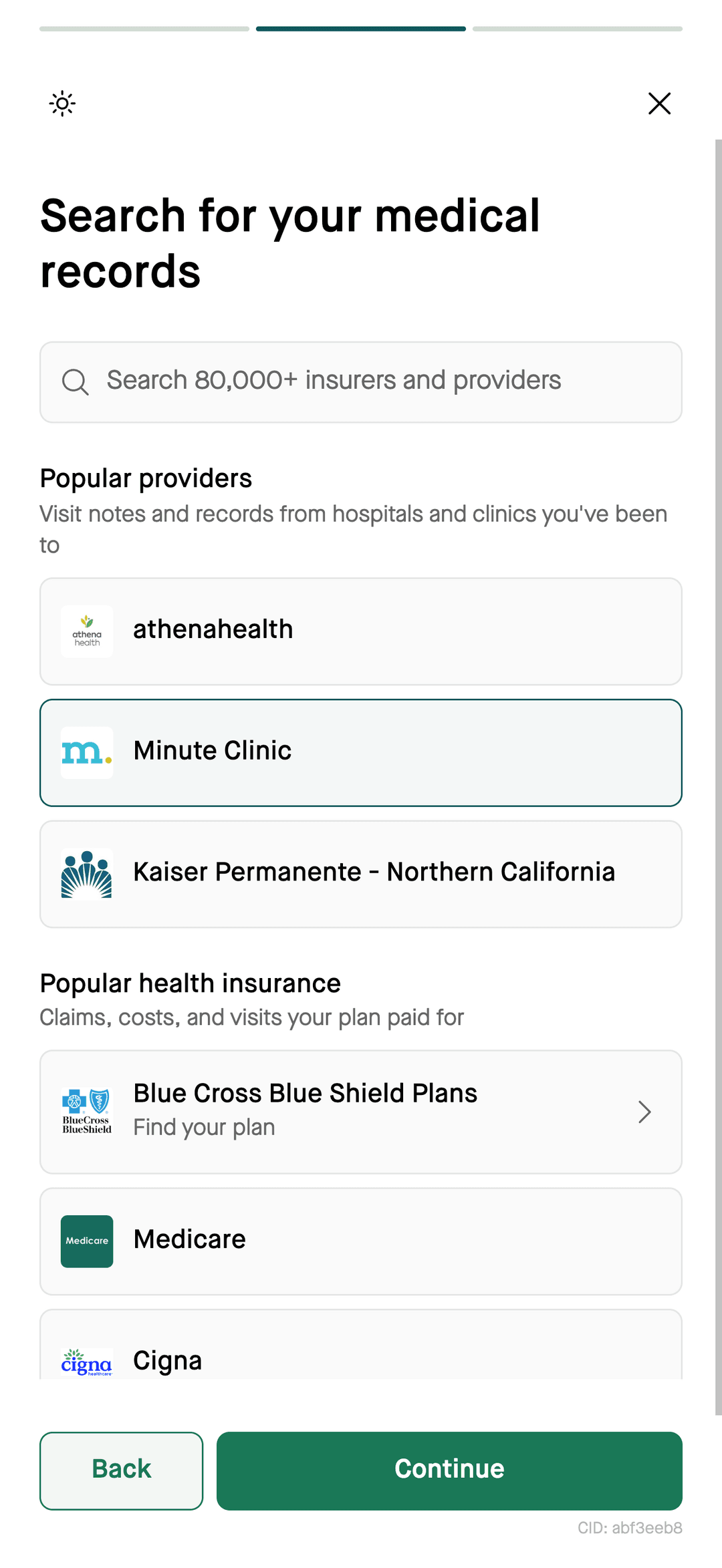
- 2In Flexpa Consent, search for Security Health Plan as it appears on your insurance card. Choose your actual coverage category if asked.
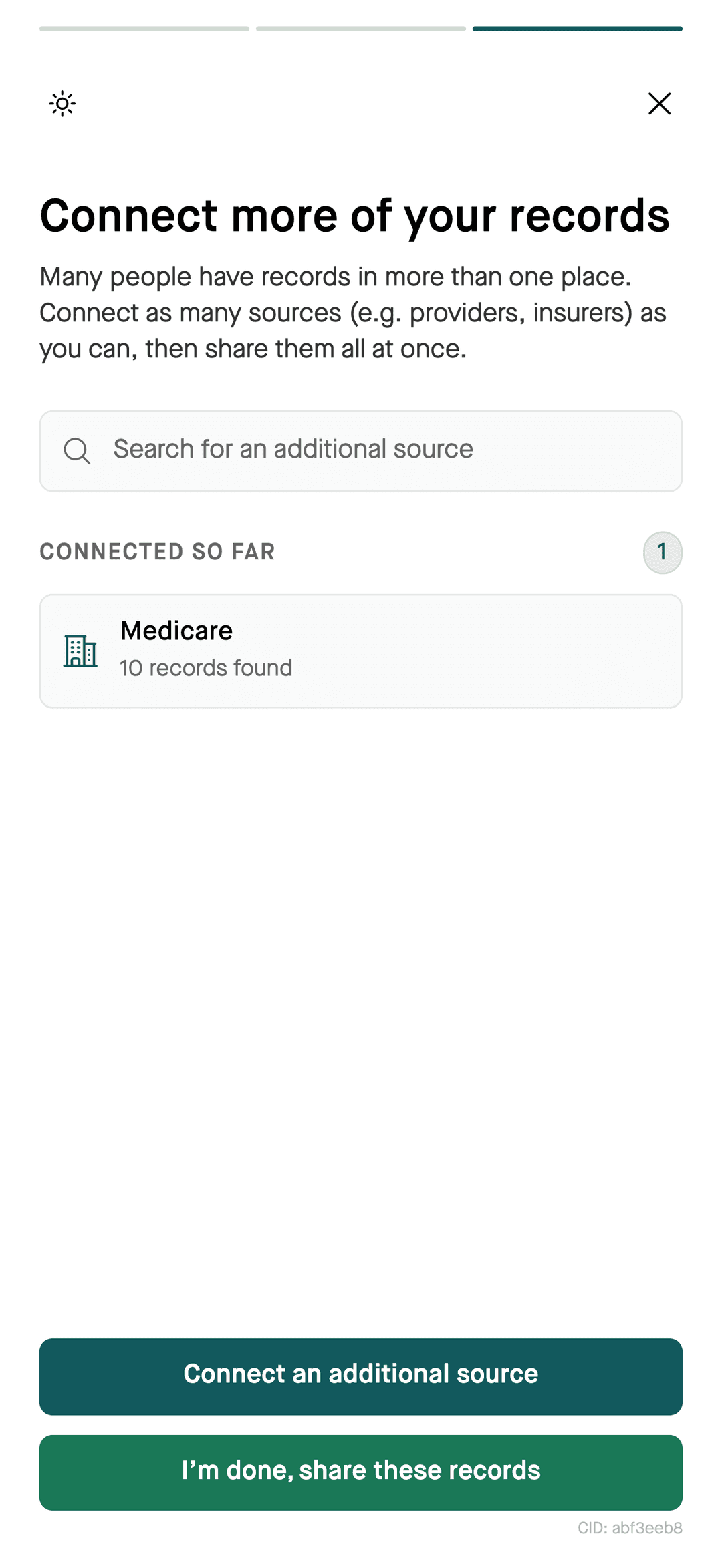
- 3Complete the sign-in and authorization steps for Security Health Plan. Review the connected sources, then finish sharing in Flexpa Consent.
- 4Return to your assistant and ask about the records that were returned. Check important details against the original plan records.
What you can ask
- “Summarize my available Security Health Plan claims from this year”
- “What patient responsibility does each claim show?”
- “Which providers appear in my available claims?”
- “Show the insurance-card details available in my coverage records”
Questions
Can I connect my Security Health Plan claims to ChatGPT or Claude?
Flexpa lists Medicare Advantage, Medicaid, marketplace plans, ACA-compliant individual plans bought directly from the insurer, and employer plans for its Security Health Plan connection. If your specific policy is supported, add Flexpa to Claude from its connector directory, or to ChatGPT as a custom MCP plugin where your plan allows it, and authorize your Security Health Plan connection in Flexpa Consent. Directory categories do not guarantee access for every policy or member.
What Security Health Plan data can my assistant see?
After you authorize the connection through Flexpa Consent, your assistant can query available claims (Explanation of Benefits) and coverage information, including insurance-card details when returned by the plan. The data depends on what the plan provides.
My Security Health Plan plan isn't one of the listed types. Can I still connect?
Flexpa's directory does not list CHIP for this connection today. Search for your exact plan in Flexpa; if it shows Coming soon, you can request it there. A request is not a promise of availability.
Is it free?
Flexpa is free for patients.
More
Connect Security Health Plan. Set up your assistant.
Setup for Claude, ChatGPT, and Claude Code takes a few minutes.
Connect your records