Insurers
Your Caresource claims, in your AI assistant.
You can use Flexpa to share available Caresource claims and coverage with Claude or ChatGPT if your specific plan is supported and your assistant account allows custom connections. Flexpa's directory lists Medicare Advantage, Medicaid, CHIP, and marketplace plans for this connection. Search for the exact plan on your insurance card and approve access in Flexpa Consent.
Updated 2026-11-11
How it works
- You
- Claude or ChatGPT
- Flexpayou approve
- Caresourceclaims and coverage
Which plan categories Flexpa lists for Caresource
Checked against Flexpa's live Endpoint Directory on November 11, 2026. These are connection categories, not a list of every policy the insurer sells or a guarantee that every member can connect. Match your exact plan and state in Flexpa.
| Plan type | Listed in Flexpa |
|---|---|
| Medicare Advantage | Listed |
| Medicaid | Listed |
| CHIP | Listed |
| Marketplace plans (HealthCare.gov or a state exchange) | Listed |
| ACA-compliant individual plans bought directly from the insurer | Not listed |
| Employer plans | Not listed |
How sign-in works
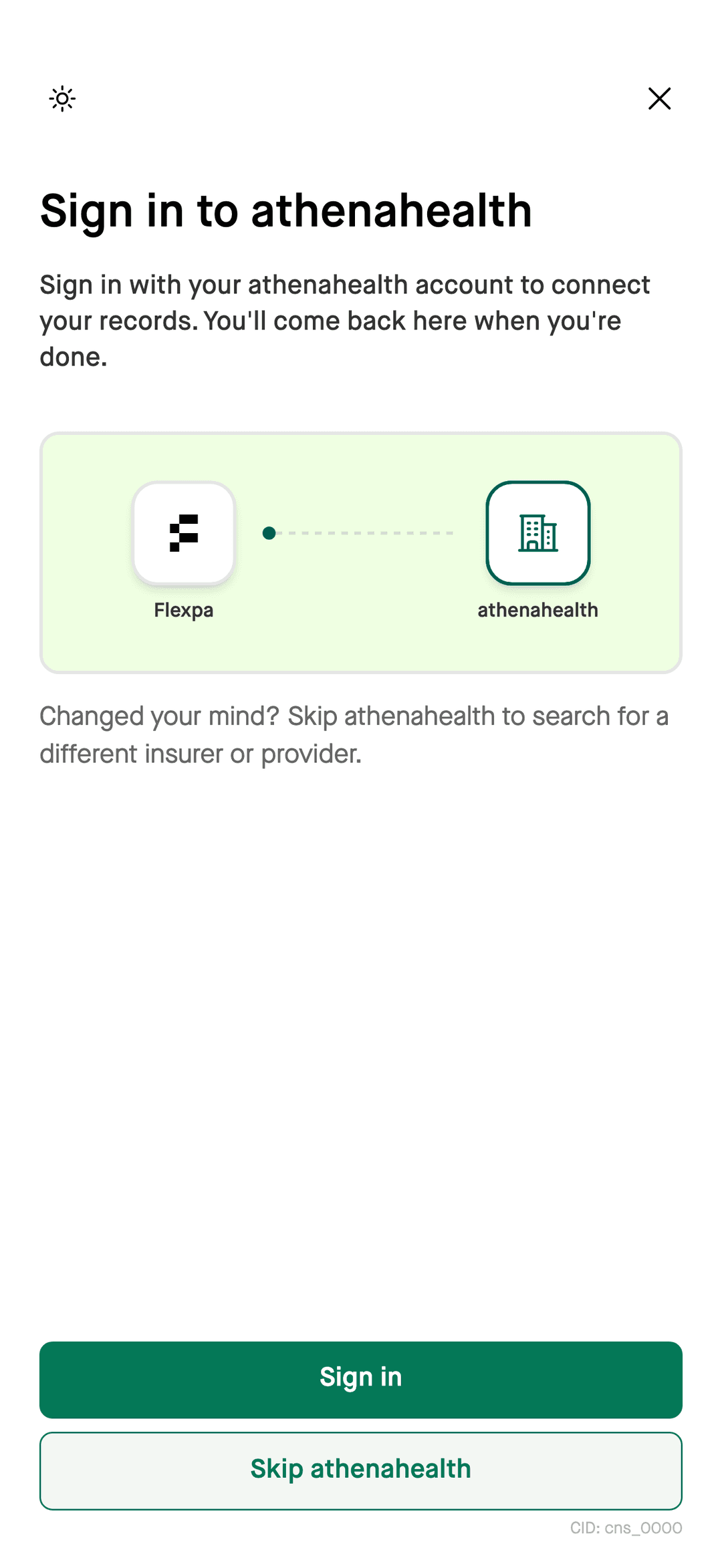
For Medicare Advantage, Medicaid, CHIP, and marketplace plans, Flexpa directs you to the sign-in page used by Caresource. It may be operated by the plan's login service rather than look like its usual member portal. Sign in there and review the request to share information with Flexpa.
Before connecting Caresource, complete its additional data-sharing consent in the plan app or member portal. For a new account, confirm the verification email and wait at least 24 hours before trying to connect.
If you do not have the account needed for Caresource sign-in, follow the registration instructions on the plan's website or the sign-in page opened by Flexpa. Use Flexpa's troubleshooting guide for plan-specific requirements.
Flexpa's directory does not list former-member access for Caresource. Having an online account alone does not establish that past coverage can connect.
Flexpa's directory marks the Caresource connection as non-refreshable. Getting new records requires further action from you in the authorization flow; do not expect records to update automatically.
Set it up
Steps
- 1Use the Health records for agents setup guide to add Flexpa to Claude or ChatGPT. Custom-connection availability depends on your assistant account and workspace permissions. This Flexpa feature is in beta.
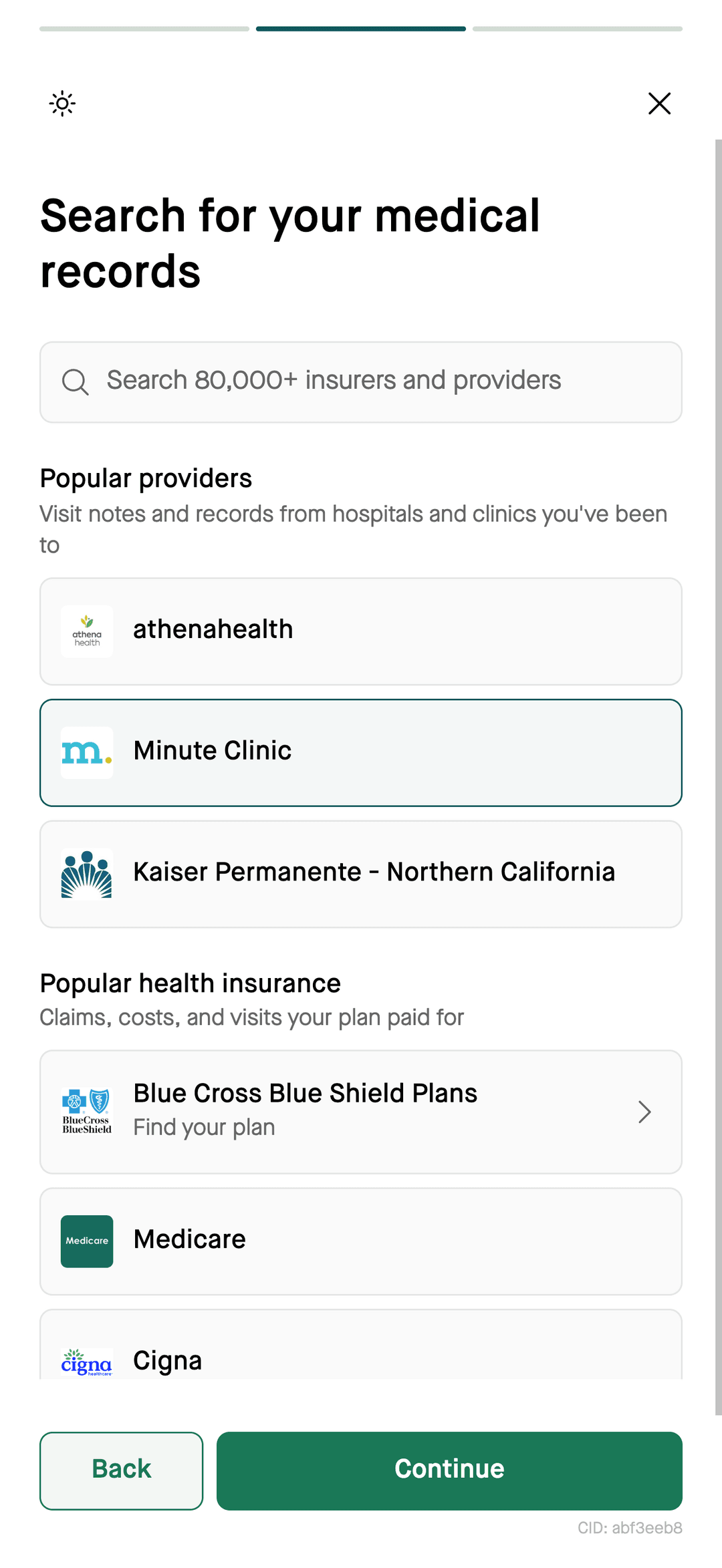
- 2In Flexpa Consent, search for Caresource as it appears on your insurance card. Choose your actual coverage category if asked.
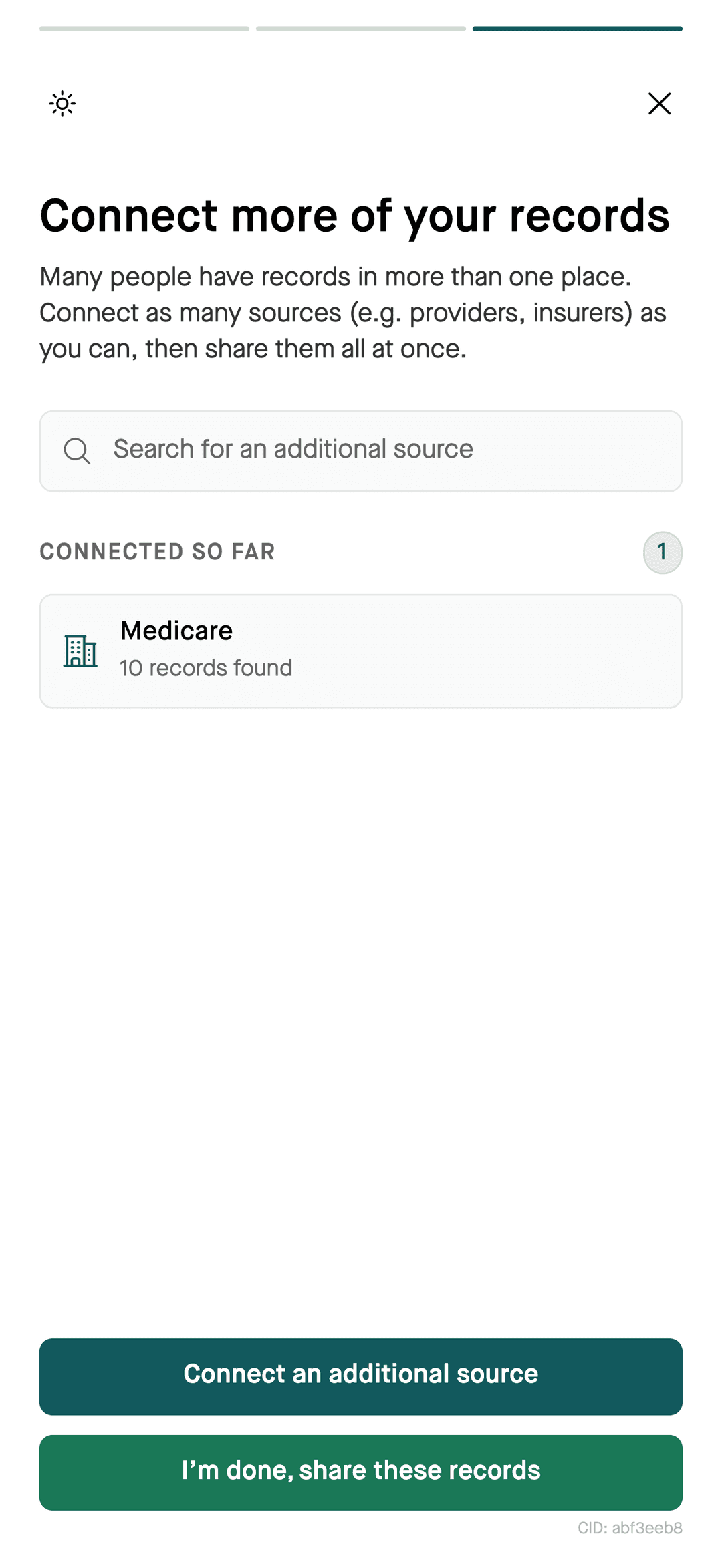
- 3Complete the sign-in and authorization steps for your Caresource connection. Review the connected sources, then finish sharing in Flexpa Consent.
- 4Return to your assistant and ask about the records that were returned. Check important details against the original plan records.
What you can ask
- “Summarize my available Caresource claims from this year”
- “What patient responsibility does each claim show?”
- “Which providers appear in my available claims?”
- “Show the insurance-card details available in my coverage records”
Questions
Can I connect my Caresource claims to ChatGPT or Claude?
Flexpa lists Medicare Advantage, Medicaid, CHIP, and marketplace plans for its Caresource connection. If your specific policy is supported and your assistant account permits custom connections, add Flexpa using the Health records for agents setup guide and authorize your Caresource connection in Flexpa Consent. Directory categories do not guarantee access for every policy or member.
What Caresource data can my assistant see?
After you authorize the Caresource connection through Flexpa Consent, your assistant can query available claims (Explanation of Benefits) and coverage information, including insurance-card details when returned by the plan. The data depends on the sources you connect and what those sources provide.
What if my Caresource plan does not connect?
Search for the exact Caresource plan shown on your insurance card in Flexpa and choose the correct coverage category. If Flexpa labels the connection Coming soon, you can request it there; a request is not a promise of availability. For sign-in errors, use Flexpa's troubleshooting guide or contact patient-support@flexpa.com.
Will my Caresource records keep updating?
Flexpa's directory marks the Caresource connection as non-refreshable. Getting new records requires further action from you in the authorization flow; do not expect records to update automatically.
Can former Caresource members connect?
Flexpa's directory does not list former-member access for Caresource. Having an online account alone does not establish that past coverage can connect.
Is it free?
Flexpa is free for patients.
More
Connect Caresource. Set up your assistant.
Setup for Claude, ChatGPT, and Claude Code takes a few minutes.
Connect your records