Claims and billing
Check a medical bill against your real claims.
To check a medical bill with AI, compare it with the matching explanation of benefits (EOB) from your health plan. Connect a supported plan through Flexpa, then ask your assistant to compare the available claim details with the bill you provide. Treat differences as questions to investigate, not proof of an error.
Updated 2026-11-11
How it works
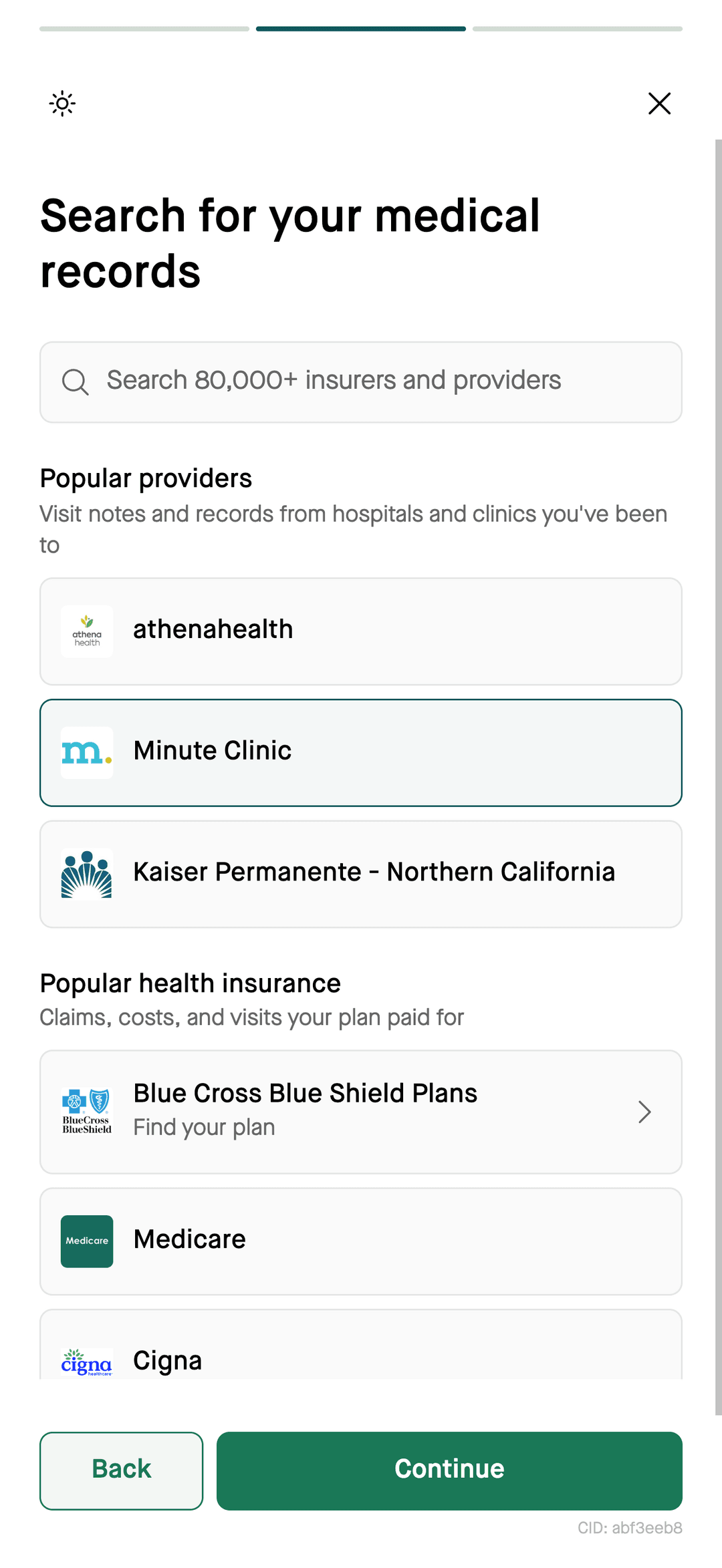
- Choose a sourcecheck support
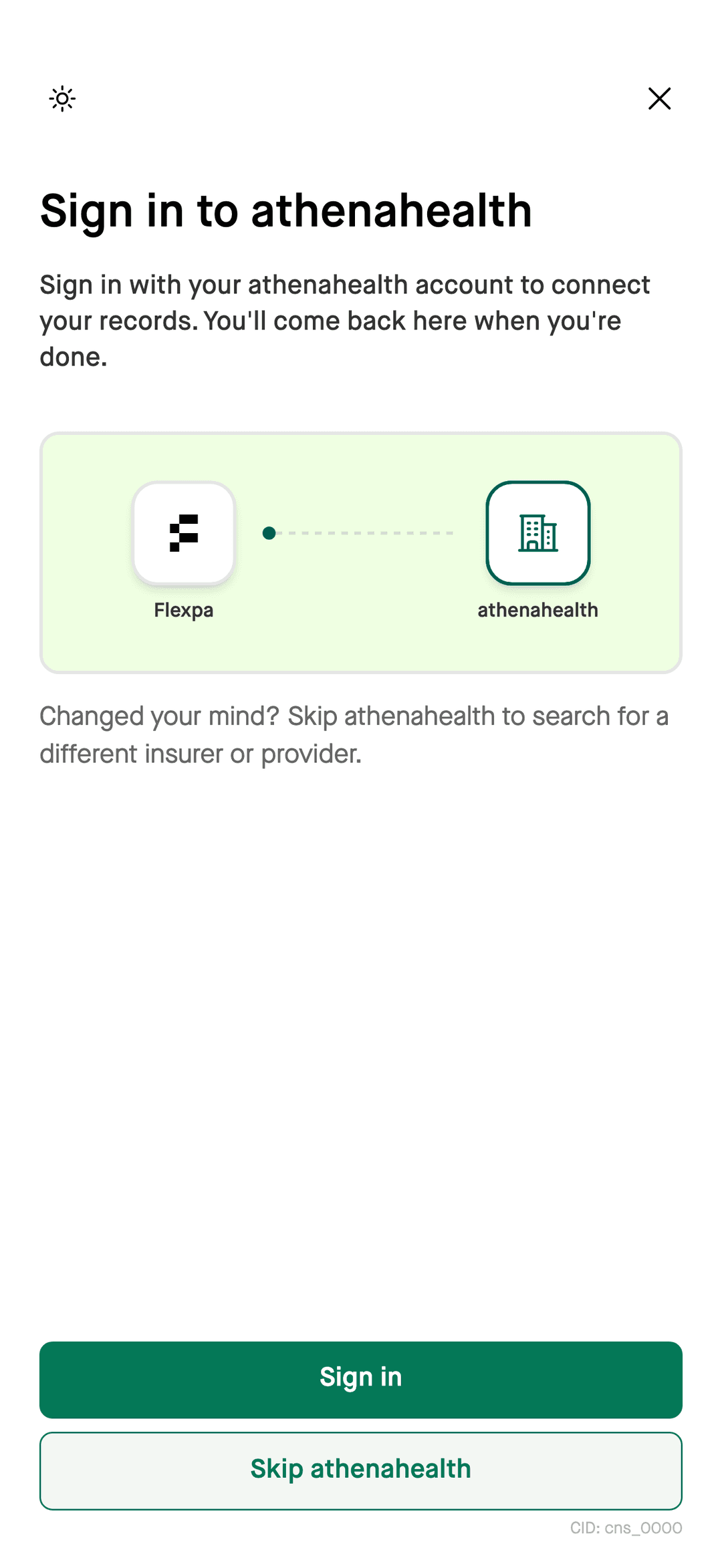
- Authorize accessthrough Flexpa
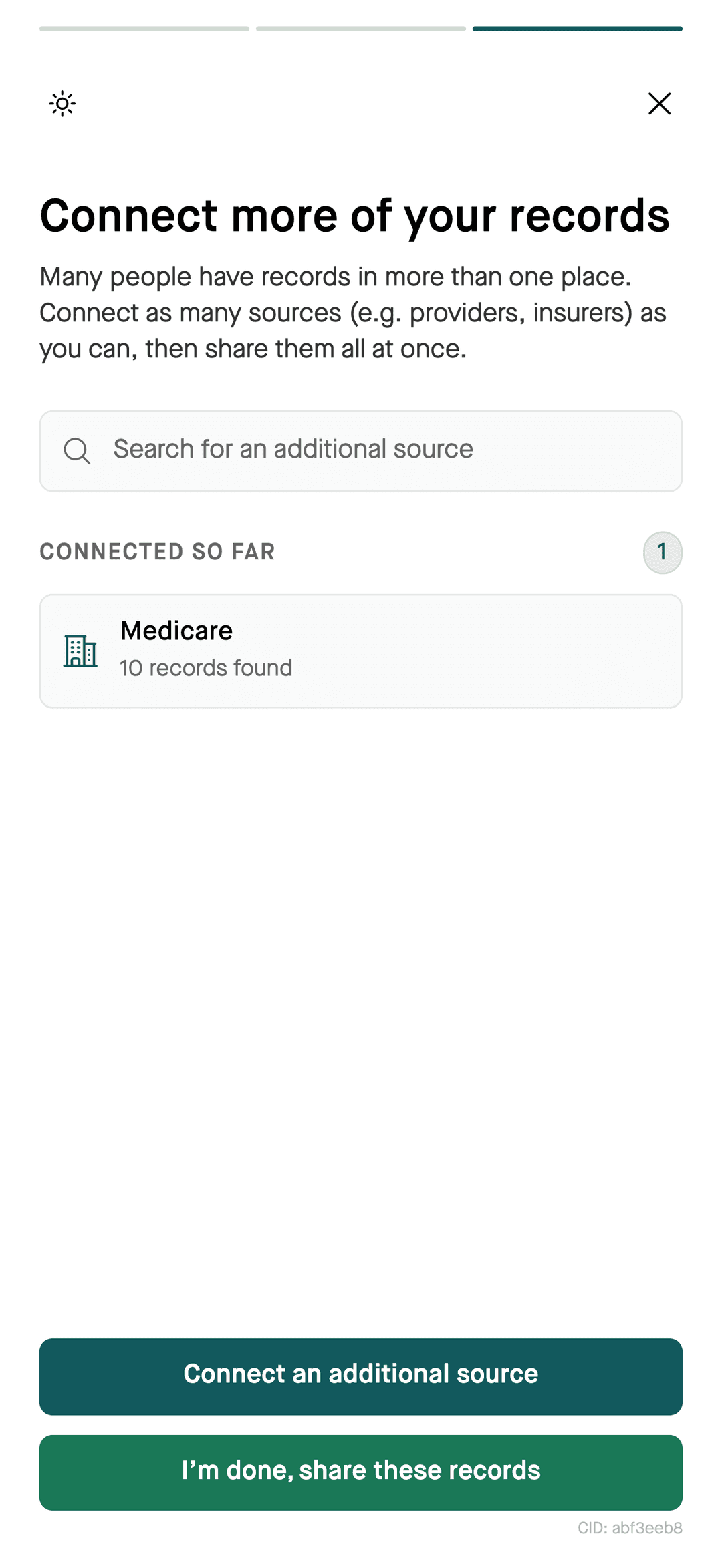
- Available recordsfor your assistant
- Comparebill and EOB
What your assistant can compare
- Your claims
- Available explanation of benefits records: provider, service dates, claim amounts, and the share assigned to you. Fields vary by plan.
- The bill
- Paste the bill's text or upload a photo or PDF to your assistant, if your app supports files.
- The gaps
- Ask about unmatched charges, differences in patient responsibility, or possible duplicate services. Check the original records before concluding that a charge is wrong.
How to do it
Steps
- 1Follow the Flexpa setup guide for your compatible assistant and connect a supported health plan.
- 2Give your assistant the bill by pasting its text or using a file upload if your app supports it.
- 3Ask it to find the matching claim and compare the amounts.
- 4Call the provider's billing office or your plan with the specific lines that don't match.
Check the records before acting
An EOB describes how your plan processed a claim. It does not necessarily show whether you later paid the provider. Ask the billing office to reconcile the bill with the EOB and your payment receipts. Do not treat an AI comparison as a billing decision or legal advice.
What you can ask
- “Here is a bill from my hospital visit. Does it match my claims?”
- “Did my plan pay this claim, and what do I owe?”
- “Was I billed twice for the same service?”
- “List the available claims from this provider this year”
Questions
Can AI check my medical bill for errors?
AI can help compare a medical bill with available claims from a supported plan connected through Flexpa. Ask it to identify differences in dates, services, and amounts, then verify each difference with the original bill and EOB.
What should I compare on a medical bill and EOB?
Compare the provider, service date, services, and patient responsibility on the medical bill with the matching explanation of benefits. Include payment receipts when checking the remaining balance; an EOB does not necessarily show later payments.
What if a medical bill does not match my EOB?
Ask the provider's billing office to explain the specific difference between the bill and your explanation of benefits. If you question how the claim was processed, contact your health plan and ask about its review process.
Is this free?
Flexpa is free for patients. Your AI app's own pricing applies.
More
Start with your claims. Connect your assistant.
Setup for Claude, ChatGPT, and Claude Code takes a few minutes.
Connect your records