Claims and billing
Dispute a medical bill with the facts in hand.
Use AI to prepare a medical bill dispute by comparing the bill with the matching claim and drafting questions about the difference. Connect a supported health plan through Flexpa and provide the bill. Check the draft against the original records before contacting the billing office or your plan.
Updated 2026-11-11
How it works
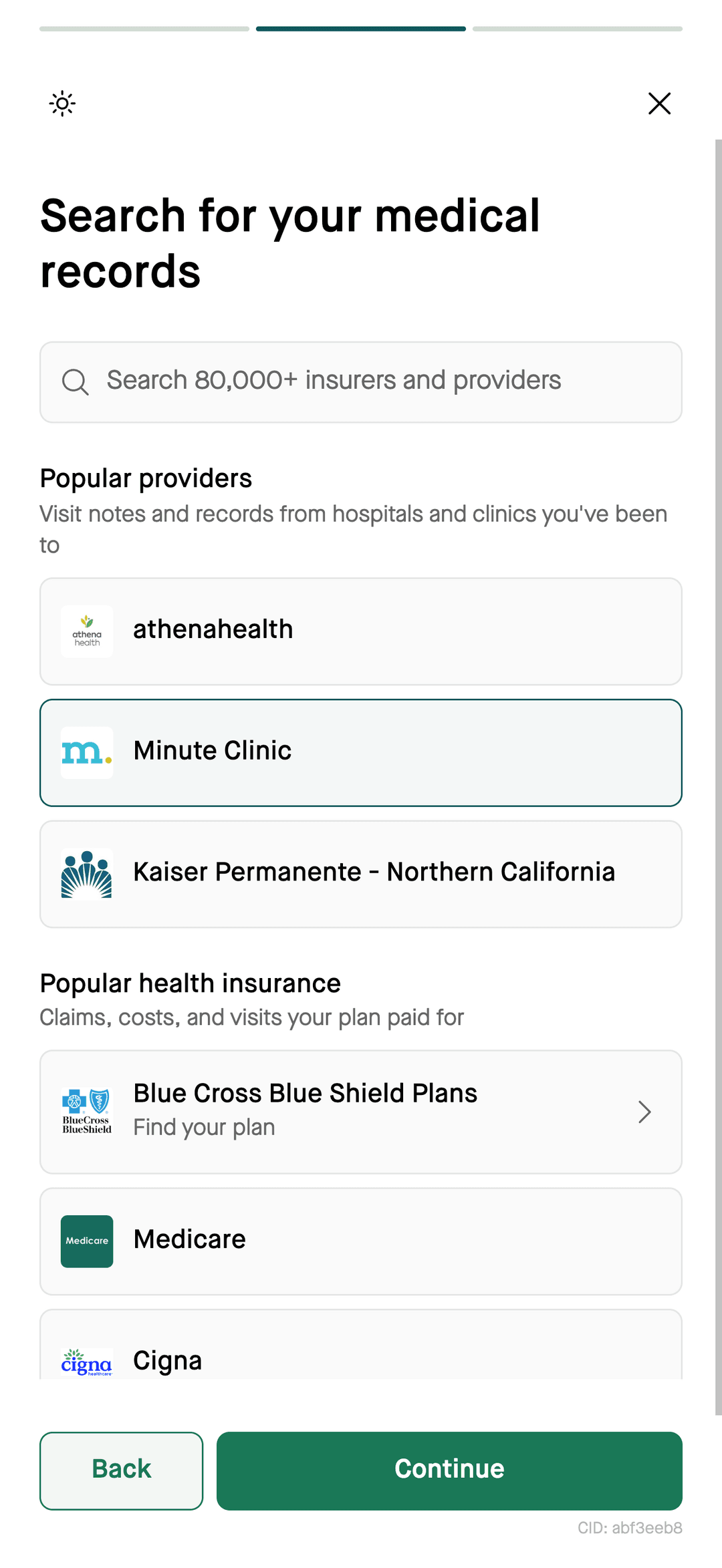
- Choose a sourcecheck support
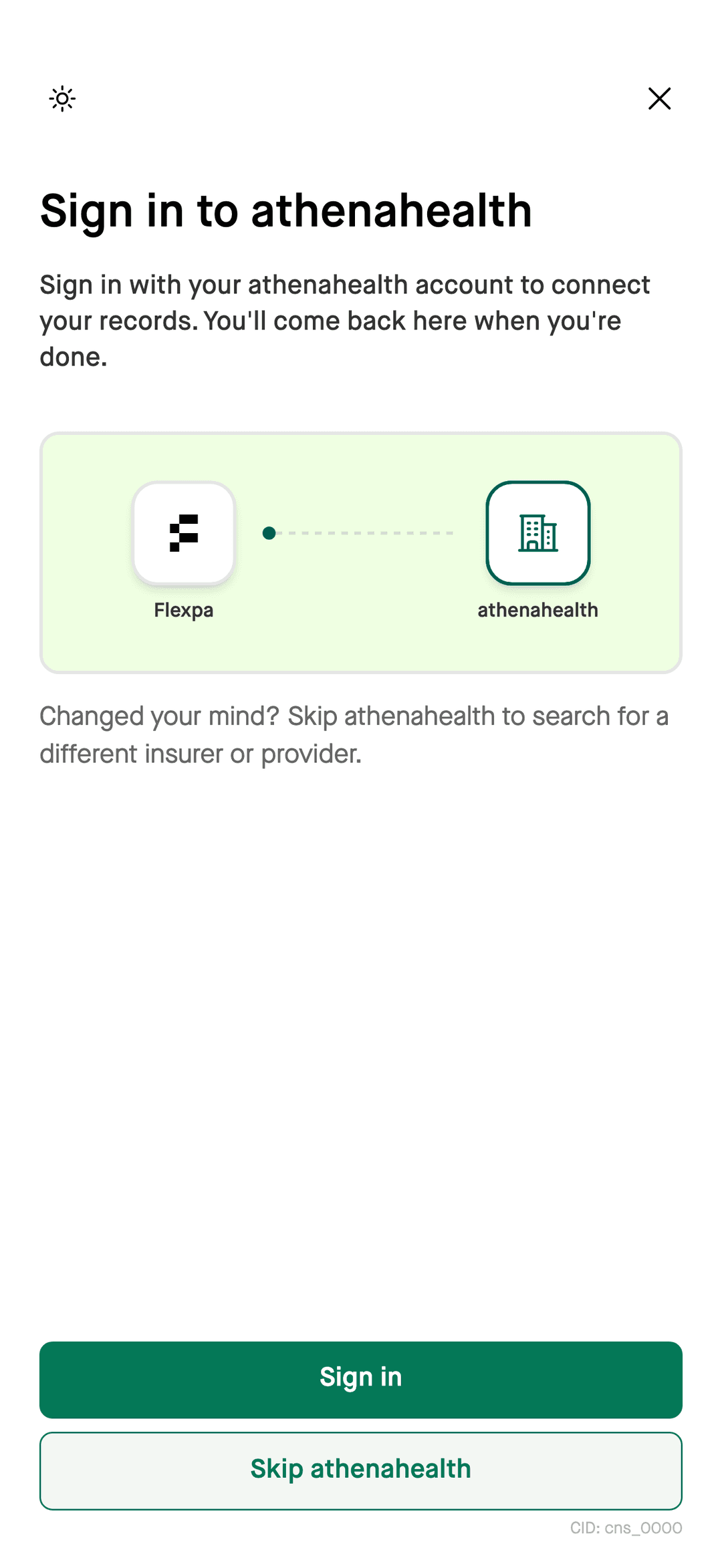
- Authorize accessthrough Flexpa
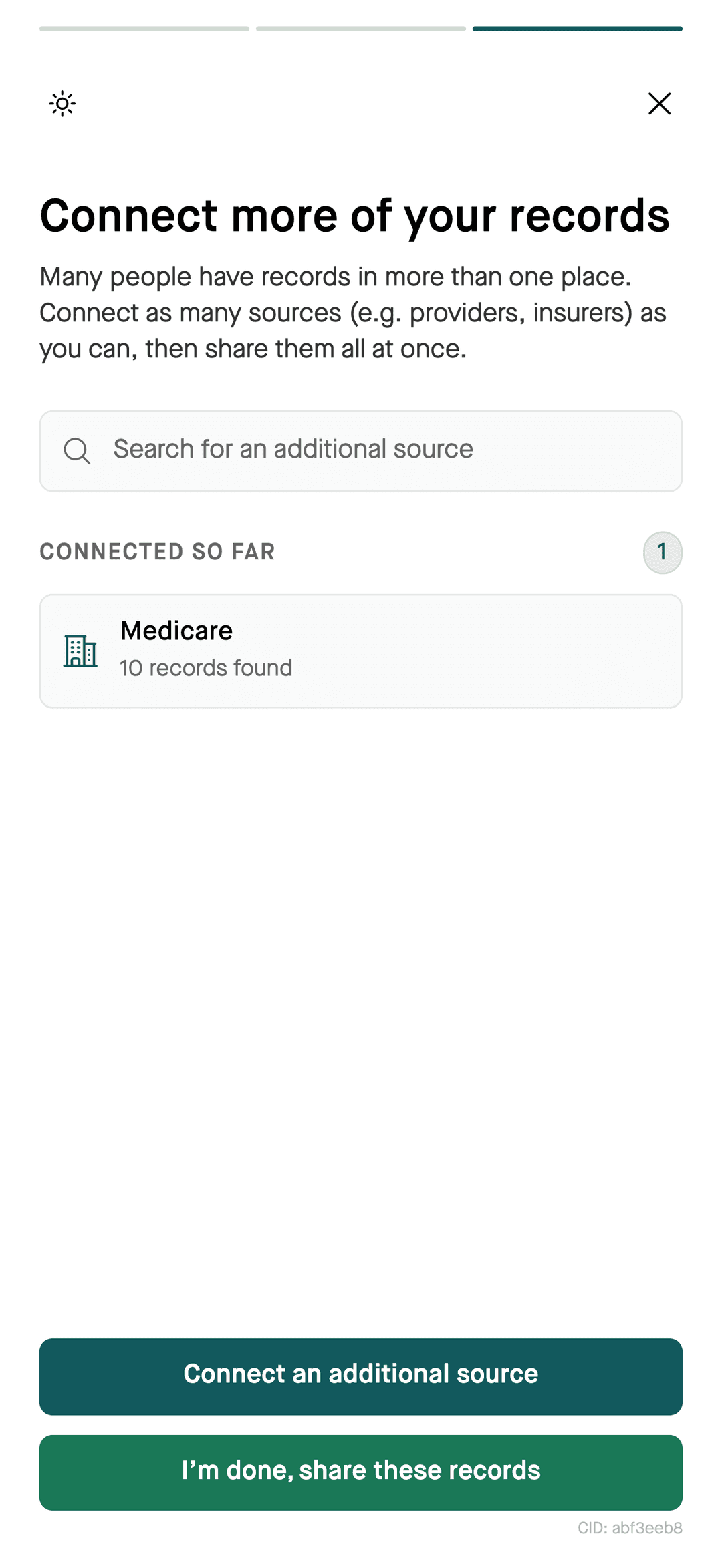
- Available recordsfor your assistant
- Draft questionsreview before sending
What to have ready
- The bill, with the account number and the lines you're questioning.
- The matching explanation of benefits from your plan and any payment receipts.
- What you expected to owe, and why.
How your assistant helps
Steps
- 1Follow the Flexpa setup guide for your compatible assistant and connect a supported health plan.
- 2Give your assistant the bill and ask it to find the matching claim.
- 3Ask for a short summary of the difference, with dates and amounts.
- 4Ask it to draft call notes or a letter to the billing office, then edit and send it yourself.
Review the draft yourself
Use this workflow to prepare a draft, not to submit a dispute automatically. Verify dates, amounts, and claim identifiers before sending it. Ask your plan which review or appeal process applies and what deadline you need to meet.
What you can ask
- “Draft a letter disputing this charge using my claim details”
- “Summarize the difference between this bill and my claim”
- “What should I ask the billing office on the phone?”
Questions
Can AI help me dispute a medical bill?
AI can help organize a medical bill dispute using the bill you provide and available claims shared through Flexpa. Ask for a comparison and draft questions, then verify the details before contacting your provider or plan.
Does connecting claims submit a medical bill dispute?
Connecting claims through Flexpa gives a compatible assistant access to authorized records. In this workflow, you review the draft and submit it yourself through the provider or plan process.
What if my plan processed a claim incorrectly?
Contact your health plan with the claim identifier, service date, and the specific issue. Ask member services how to request a review or appeal and which deadlines apply.
More
Get the claim details. Connect your assistant.
Setup for Claude, ChatGPT, and Claude Code takes a few minutes.
Connect your records